
Info: Machine translation This post was machine-translated from the Chinese original. Wording may be rough in places — the Chinese version is authoritative.
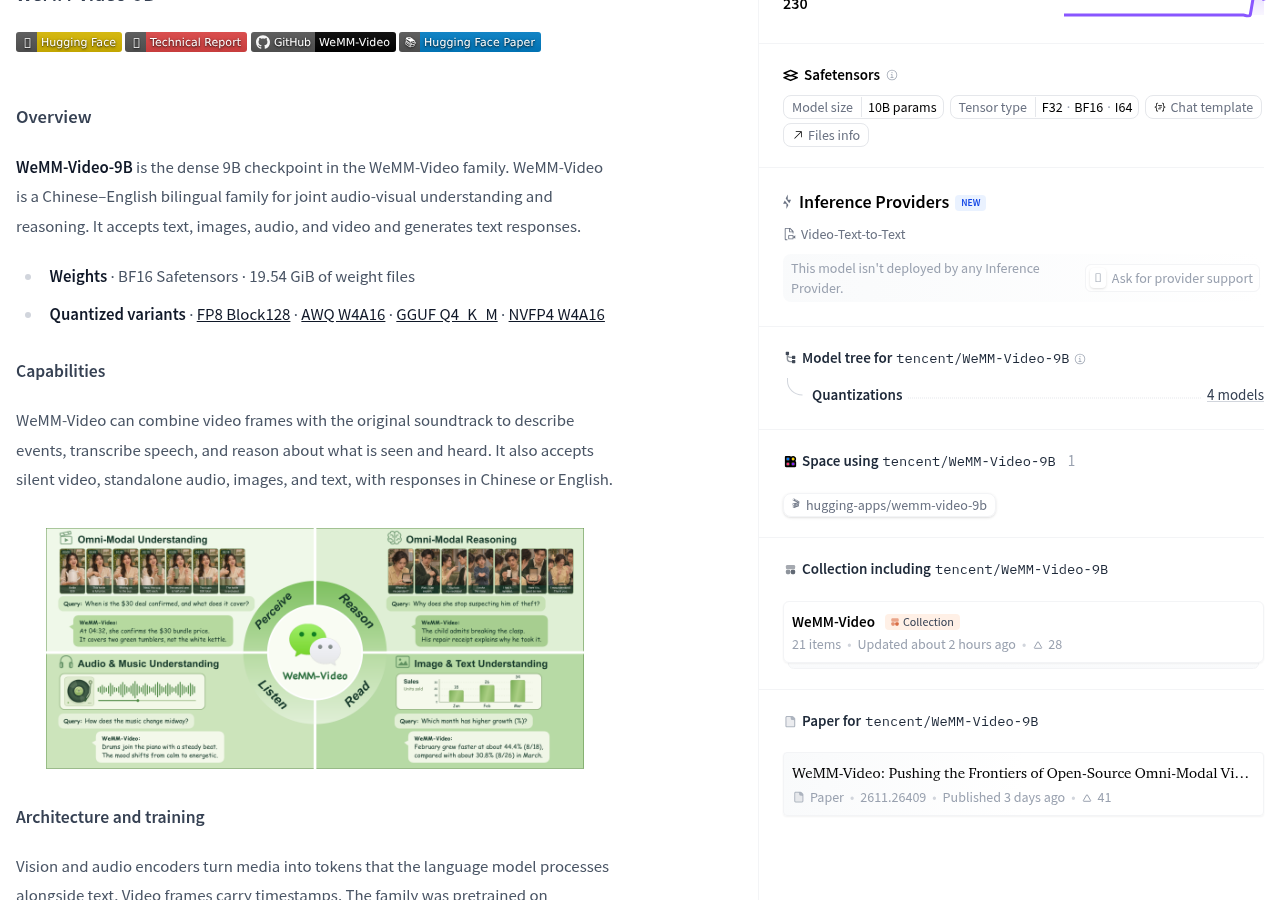
When handing over a video with explanation to a model, what you want is often not just “what’s in the image,” but also “what the explanation says, whether the sound and image match.” The official model card for Tencent’s WeMM-Video-9B clearly states: it can combine video frames with the original audio track to describe events, transcribe speech, and reason around what is seen and heard, ultimately outputting text.
What truly affects access selection is whether the audio has been sent, what else needs to be prepared beyond the weight, and how to check the results after deployment. The official list has already listed the weights and call paths; When preparing for access, these steps should be confirmed first, rather than simply thinking of “support video” as uploading files and analyzing it completely.
If you want it to understand the video, first check if the original audio is included
The official company introduces WeMM-Video as a series of joint audio-video understanding models supporting both Chinese and English. WeMM-Video-9B accepts text, images, audio, and video, and returns text answers. It is suitable for those focused on video content analysis, voice transcription, and audio-visual joint Q&A; Here, “video capability” refers to understanding input content, not generating video.
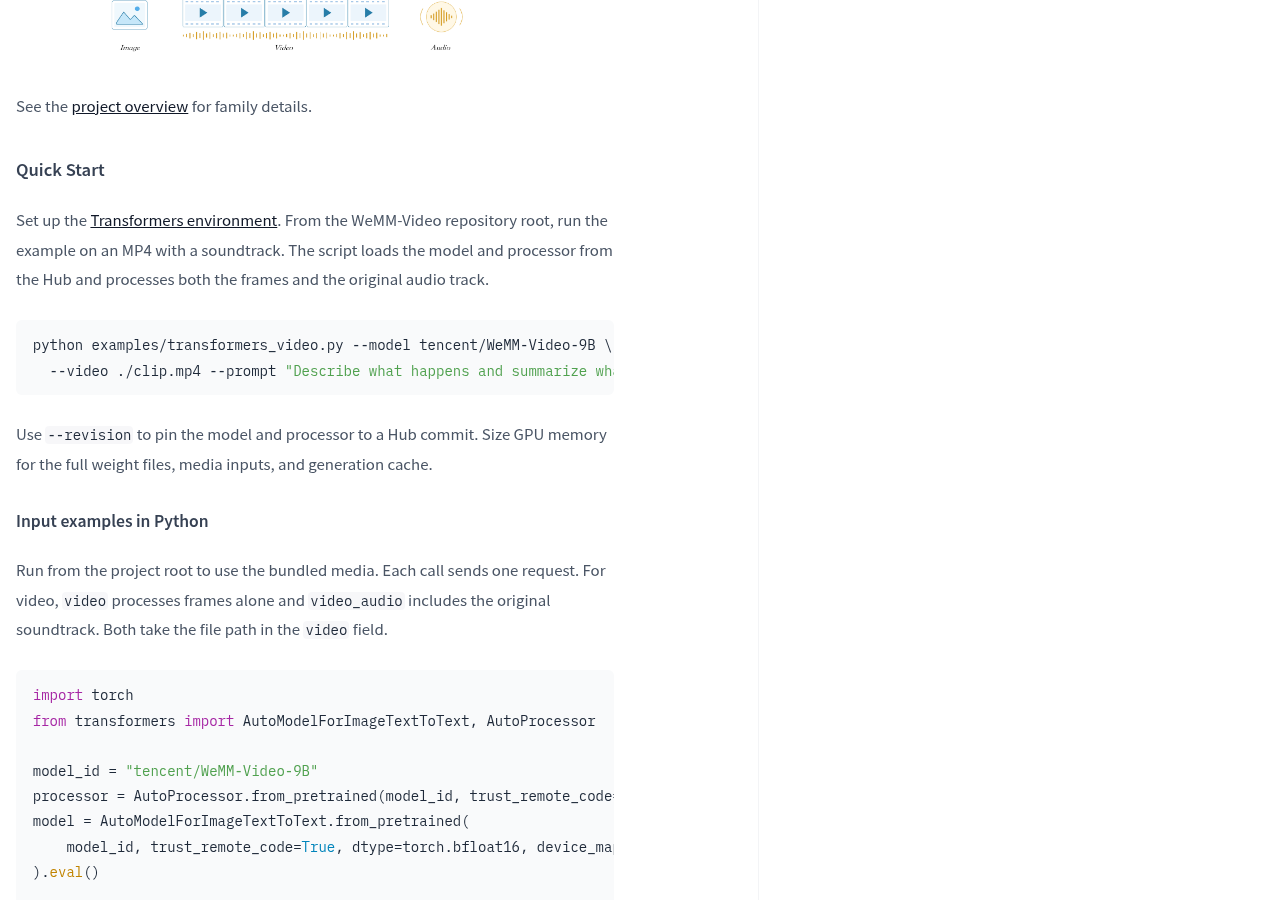
It’s a bit like receiving a video with explanations in WeChat: you only see the screenshots and know what the camera captures, but you can’t hear the explanation. The official Python example also clearly distinguishes input methods: video only processes video frames, video_audio contains the original audio track. If the file contains sound, you need to select the correct processing method.
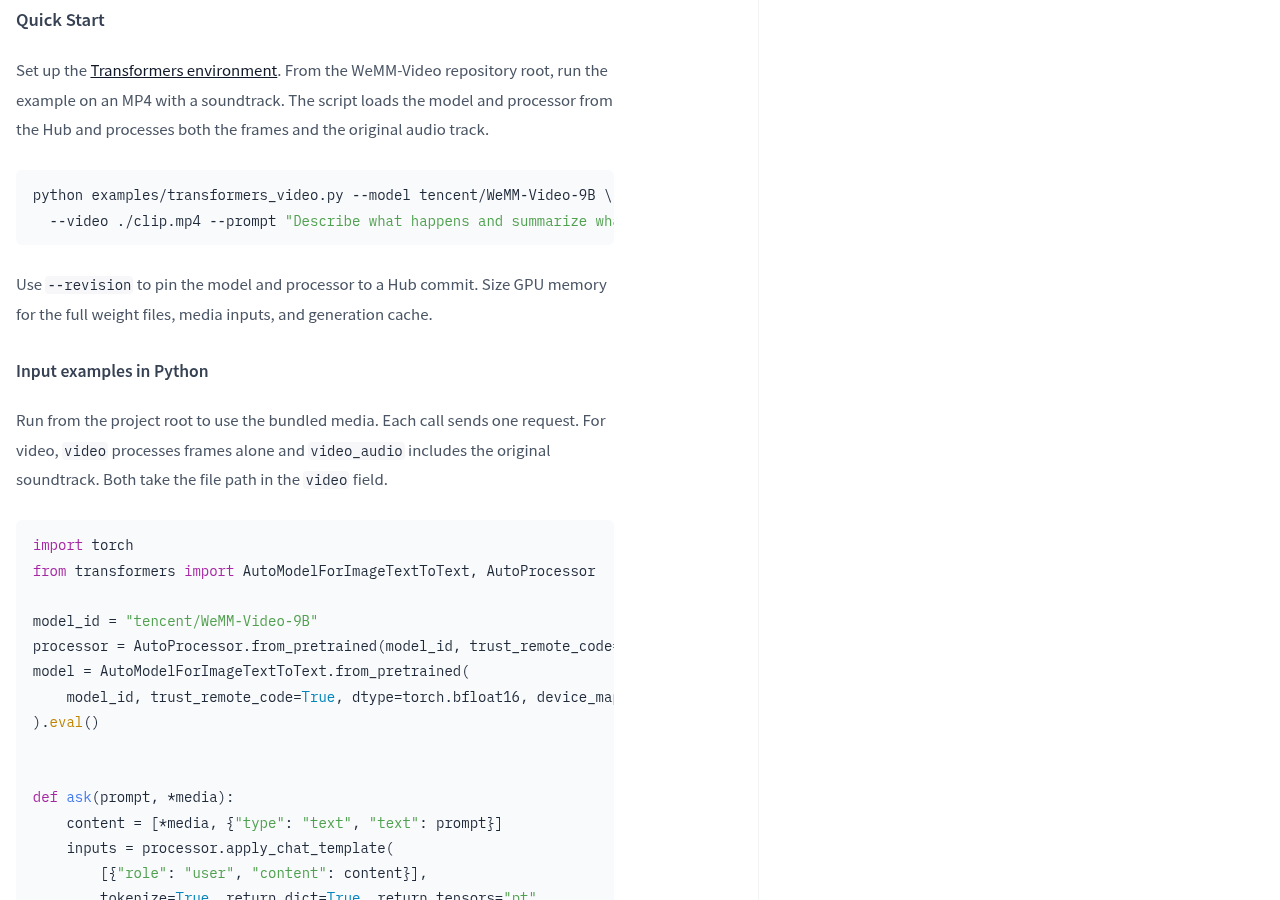
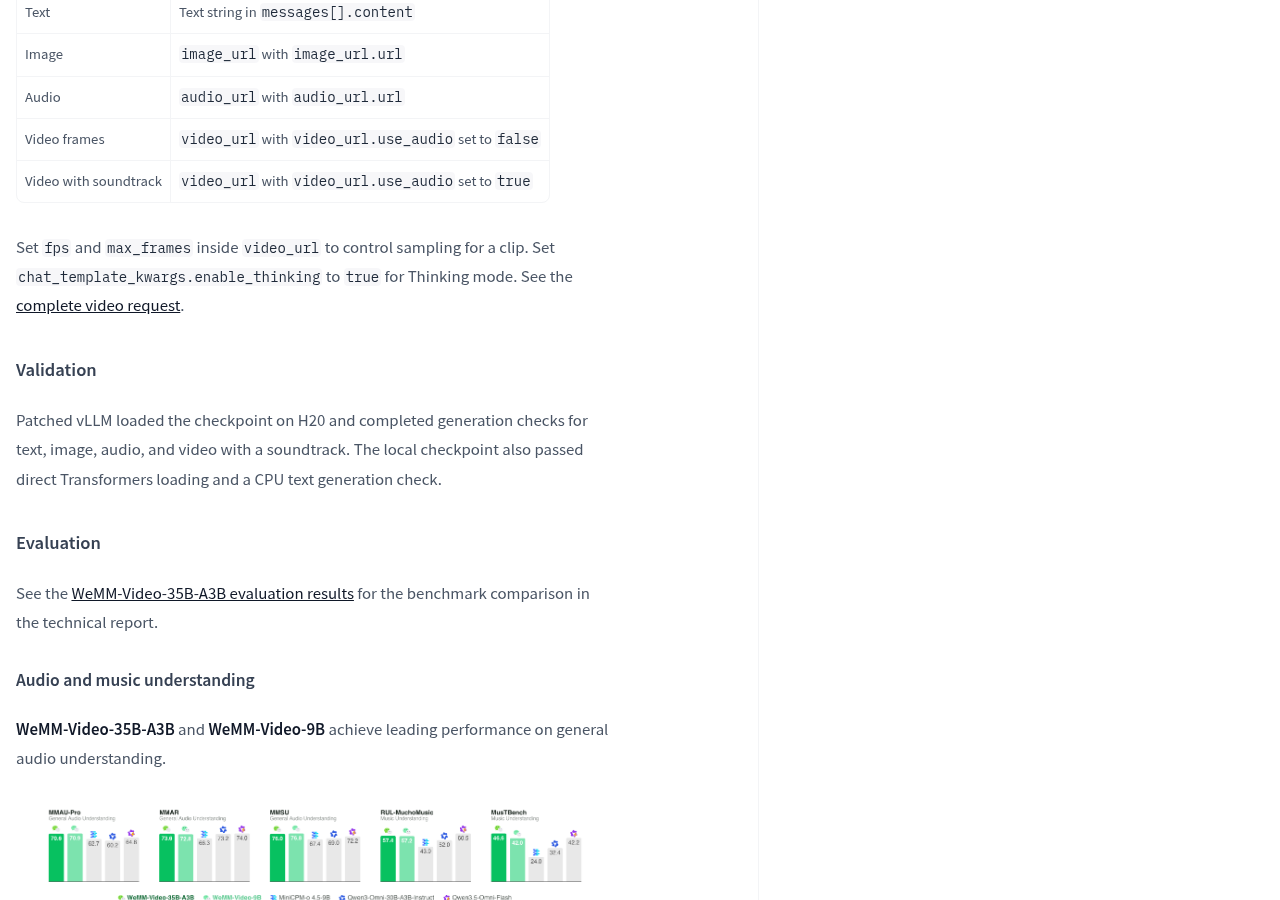
Even after deployment as a service, this difference still exists. Official interface examples control whether to bring in original audio via video_url.use_audio, and also control frame pulling via fps and max_frames. Frame pulling can be understood as selecting footage from the video to hand over to the model, so when accepting answers, you also check whether key actions actually appear in the actual feed.
According to official instructions, visual and audio encoders convert media into tokens, which are then handed over to language models along with text, with video frames also bearing timestamps. Elements can be understood as small units used by the model to process content, similar to a long WeChat message that needs to be split into processable segments; Here, audio and video are also converted first, rather than directly handing over the original files to the language model without processing.
The weights have already been explained, and the operating conditions must be confirmed separately
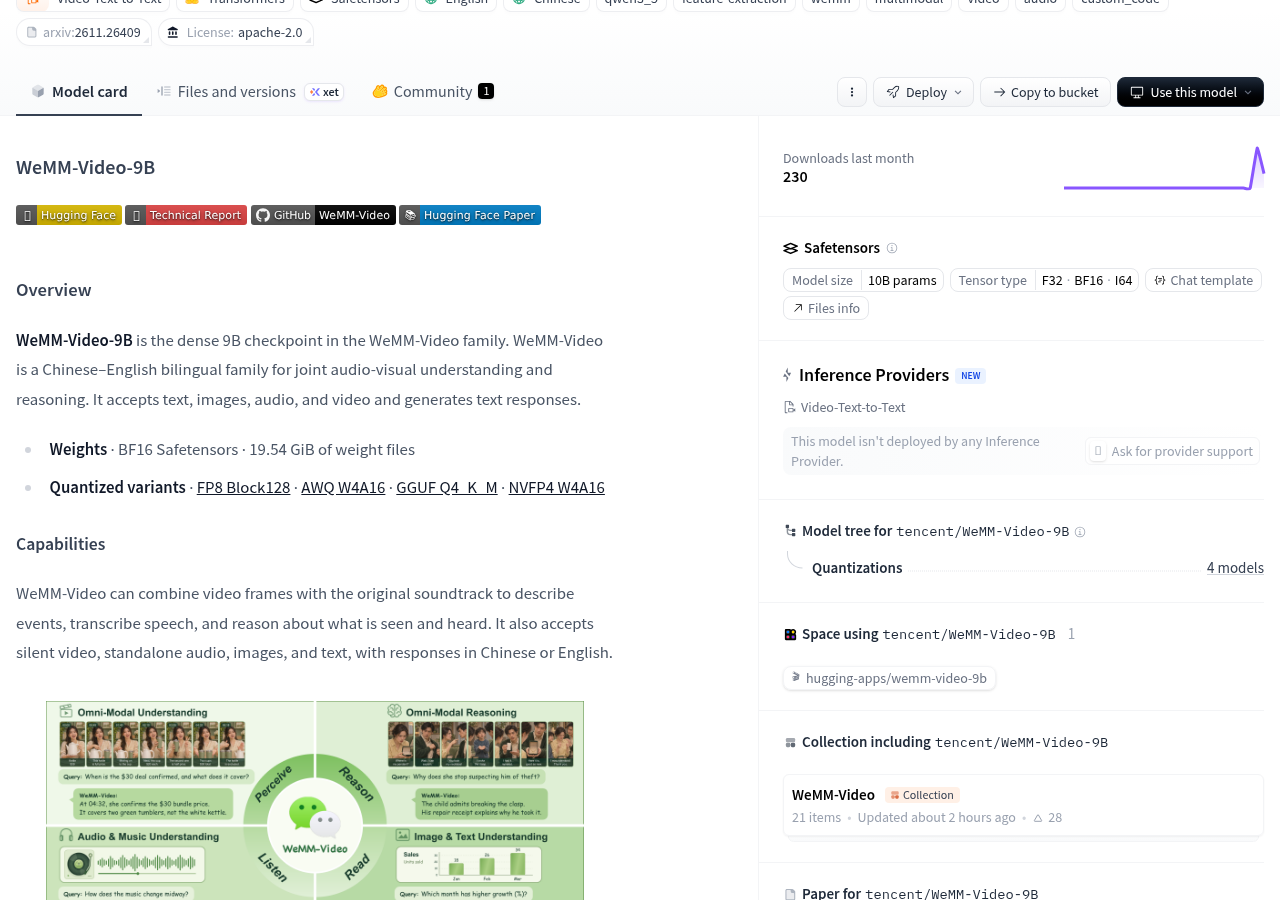
The official model card lists the BF16 Safetensors weight, with a weight file size of 19.54 GiB, and provides entry points for FP8, AWQ, GGUF, and NVFP4 quantizations. For those preparing to deploy on their own, this means there are already specific file formats and deployment data available, rather than just waiting for future release announcements.
19.54 GiB is the weight file size, not the VRAM requirement for the entire task. The official requirement is to reserve GPU memory for full weights, media input, and generation cache together. Just like in a parcel locker, besides storing packages, you also need to reserve a pickup location: after loading the model, processing video and generating answers still requires extra space, so you can’t select devices based solely on download package size.
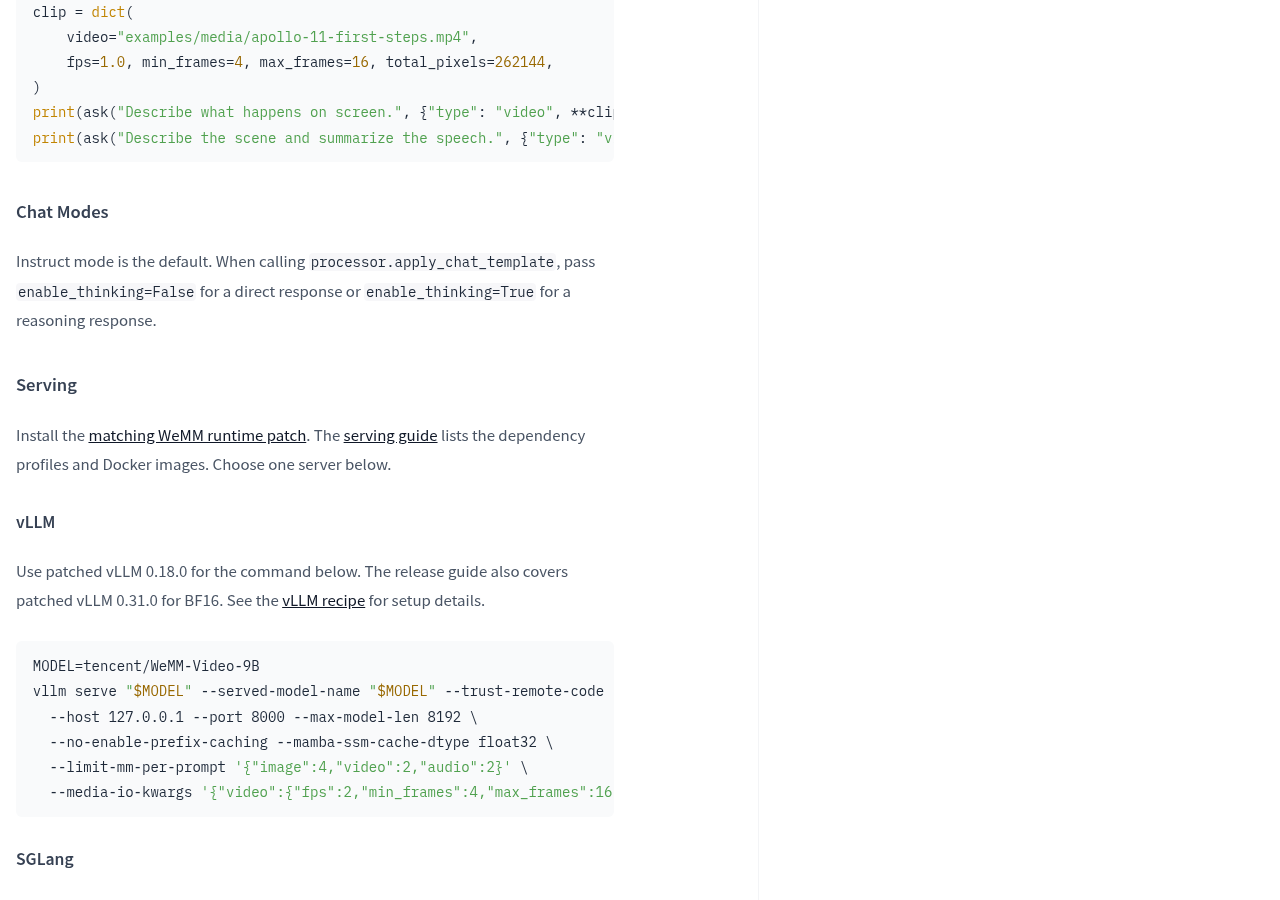
There are also clear requirements for the deployment environment. The official requirement is to install the matching WeMM runtime patch and provide the vLLM and SGLang paths for applying the patch. When planning to connect existing services, you should first check the corresponding dependencies and patch descriptions; do not replace the model name with an existing startup command to assume the environment is compatible.
Regarding licenses, model cards label Apache License 2.0 and remind third-party components to be subject to their original terms. Weight files, usage licenses, runtime support, and hardware capacity are different issues: having files to access does not mean any device can run them; having model licenses still requires reviewing the requirements of the relevant components.
If you only want to open the managed interface and use it directly, pay attention to the service entry point. The provided page shows at the time of collection that the model has not yet been deployed by Hugging Face’s Inference Providers. This status only indicates the platform’s hosting entry point and cannot be used to determine whether other channels provide services.
First check the sound and visuals, then decide whether to connect to the workflow
Official deployment validation records include: a patched vLLM loading the model on the H20 and completing generation checks for text, images, audio, and original video; Direct loading via Transformers and CPU text generation checks have also passed. These records help choose the starting point but do not specify video processing speeds or full hardware requirements for consumer devices.
When preparing for verification, you can start by quickly explaining the official format by running an MP4 with original sound from the project root directory to check whether the image description and sound summary correspond to the original video. Then, distinguish according to the official input and observe the responses when sending only the image and simultaneously with the original sound. For tasks requiring combined audio-visual analysis, the key point of acceptance is whether the answer accurately uses the relevant sounds, rather than just writing a fluent description.
The official system also offers direct answer and reasoning answer modes. When choosing a mode, you should return to the same original video to check the answer: whether the visual event is correct, whether the voice transcription is accurate, and whether the relationship between the sound and the image is justified. For access choice, whether you can repeat your task in the target environment is more meaningful than whether the answer is longer written.
Those who need to deploy can enter from Official Model Card and Quick Start, then check Runtime Environment Instructions and Video Request Instructions. Whether the quantized version is suitable for the target environment and its actual processing speed still depends on the corresponding version documentation and actual running results.
Whether such tools are worth integrating depends on whether the sound can supplement the task with information beyond the screen. For tasks that require both verification of actions and explanations, WeMM-Video-9B provides a clear trial path. The next step worth checking is: after adding the original audio, does the answer more accurately answer the original question, and whether this processing chain can continue running on the target device?
Official information
Self-made software
Versions, changes and supported installers all come from the same public release records.
HyphenBox
A free model API radar and local router, with ongoing availability checks and keys kept on your device.
View public downloads and updates ↗LocalBrain
A local AI toolbox for transcription, speech, images, video, and MCP tools. Features vary by platform version.
View public downloads and updates ↗Support HyphenTech
Late nights and burned API credits went in,a cup of tea comes back out — only if you feel like it.
Save the QR codeScan with WeChatPress and hold to save the image, then open it from your album in WeChat Scan

WeChat tips · Any amount welcome



Comments
Loading comments…