
Info: Machine translation This post was machine-translated from the Chinese original. Wording may be rough in places — the Chinese version is authoritative.
What happens in the video and what is said in the video are often two different questions. The official model card for Tencent WeMM-Video-4B clearly states: it can combine video footage with the original audio track to describe events, transcribe speech, and reason around what is seen and heard, outputting text in Chinese or English.
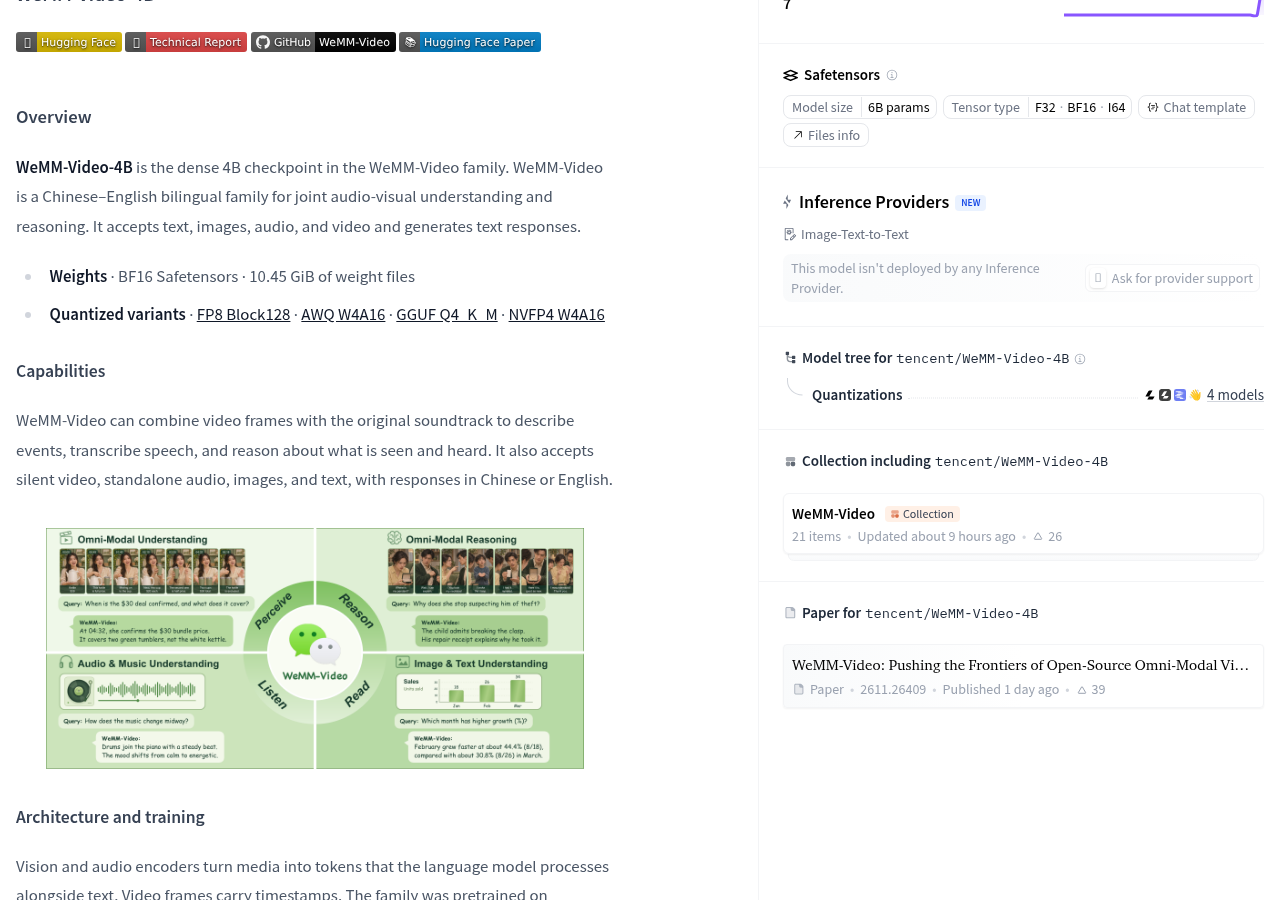
The model card already lists BF16 weights, with a file size of 10.45 GiB, and also provides a quantized version entry. For those preparing to process audio and video, it’s worth noting this combined audio-video processing path; Whether to deploy depends on the input method, runtime environment, and whether your task can work together.
First, distinguish: should we look at the visuals or understand the original sound together?
WeMM-Video-4B receives text, images, audio, and video, generating text responses. It is suitable for comprehension and Q&A, not generating videos or voiceovers. The official list also lists silent video, standalone audio, images, and plain text input, with original audio video being just one processing path.
You can think of it as watching a WeChat group video: just by looking at the screen, you can tell who entered the room; By turning on the sound, you might know whether the other person is introducing a product or alerting you of a device malfunction. The information provided by the image and sound is different; putting the two together gives you a chance to answer questions about the relationship between audio and video. This corresponds to the official capability direction. Whether you can answer correctly in specific material still depends on the actual answer.
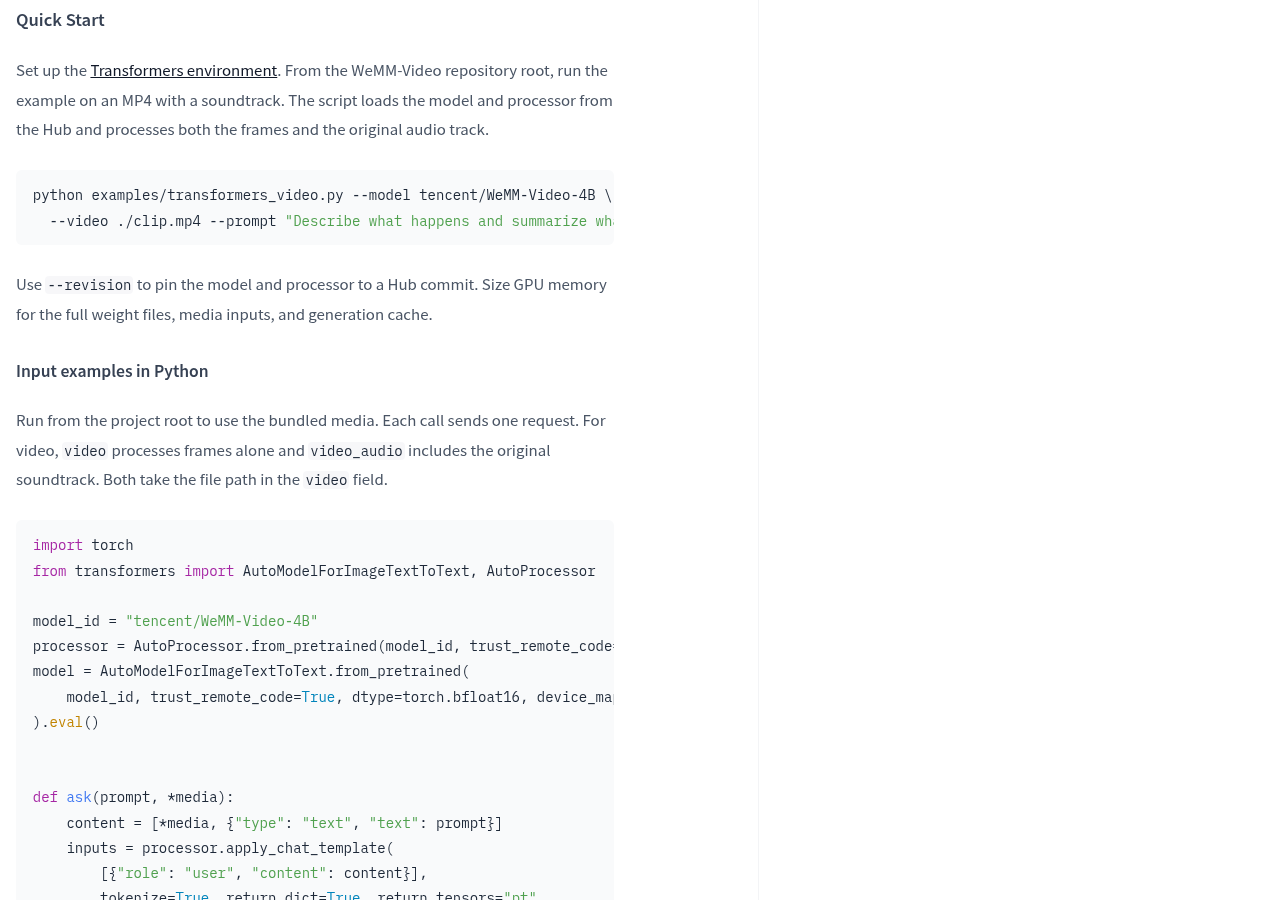
This difference is implemented in the official example: in Python input, video only processes video frames, while video_audio contains the original audio track. The service interface also distinguishes whether to use audio, which is selected via video_url.use_audio. If the task requires understanding speech but only processes the image, then when asked about the audio content later, it will find the wrong entry point.
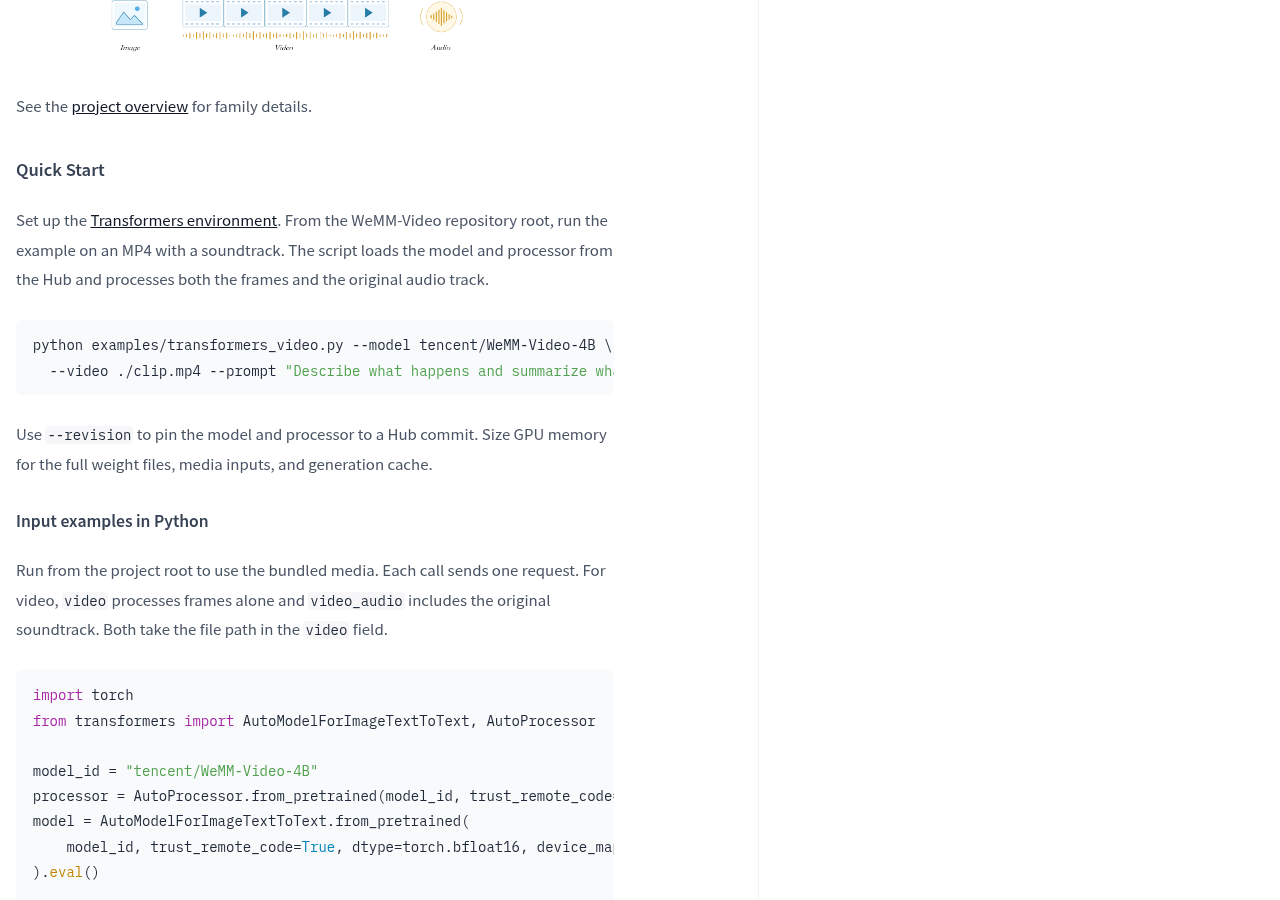
The model converts media content into word elements for the language model to process, and video frames also come with timestamps. Word elements can be understood as processing units handed over to the model after organization: like organizing text, images, and voice messages sent at different times in WeChat into comparable records. Timestamps help preserve the sequence of video frames, but the model card does not provide time positioning errors here, so it cannot guarantee precise location of each event.
The entry points for weight are already established, but deployment conditions can be considered separately
The official model card lists the weights for BF16 Safetensors, as well as the entry points for FP8 Block128, AWQ W4A16, GGUF Q4_K_M, and NVFP4 W4A16 quantization versions. Quantization can first be understood as recording model values with a different precision; After selecting the format, you also need to confirm whether the running software can load correctly and send the video and original audio in. You cannot assume that a desktop client already supports the full process based on the file format name.
10.45 GiB is the volume of the weight file listed on the model card, not the VRAM requirement for the entire task. The official clearly reminds that video memory planning must consider full weights, media input, and generation cache. Just like the express shelf not only holds packages but also leaves room for sorting and temporary turnover; loading the model files only solves part of it.
The 4B in the name should not be taken directly as the total package parameters. The main text calls it dense 4B checkpoint, and the page file information also shows 6B params, but the provided explanation does not explain the difference between the two statistical ranges. Device selection should return to actual weights, runtime, and media load, without using names to estimate memory thresholds.
Running software also requires conditions. The official requirement is to install matching WeMM running patches; service examples use patched vLLMs or SGLangs. The vLLM examples listed in the model card correspond to 0.18.0, and also mention BF16’s 0.31.0 scheme; SGLang lists 0.5.16 or 0.5.19. The runtime is like the process of unpacking, sorting, and submitting packages; just because you can get the weight files doesn’t mean any software version can take over.
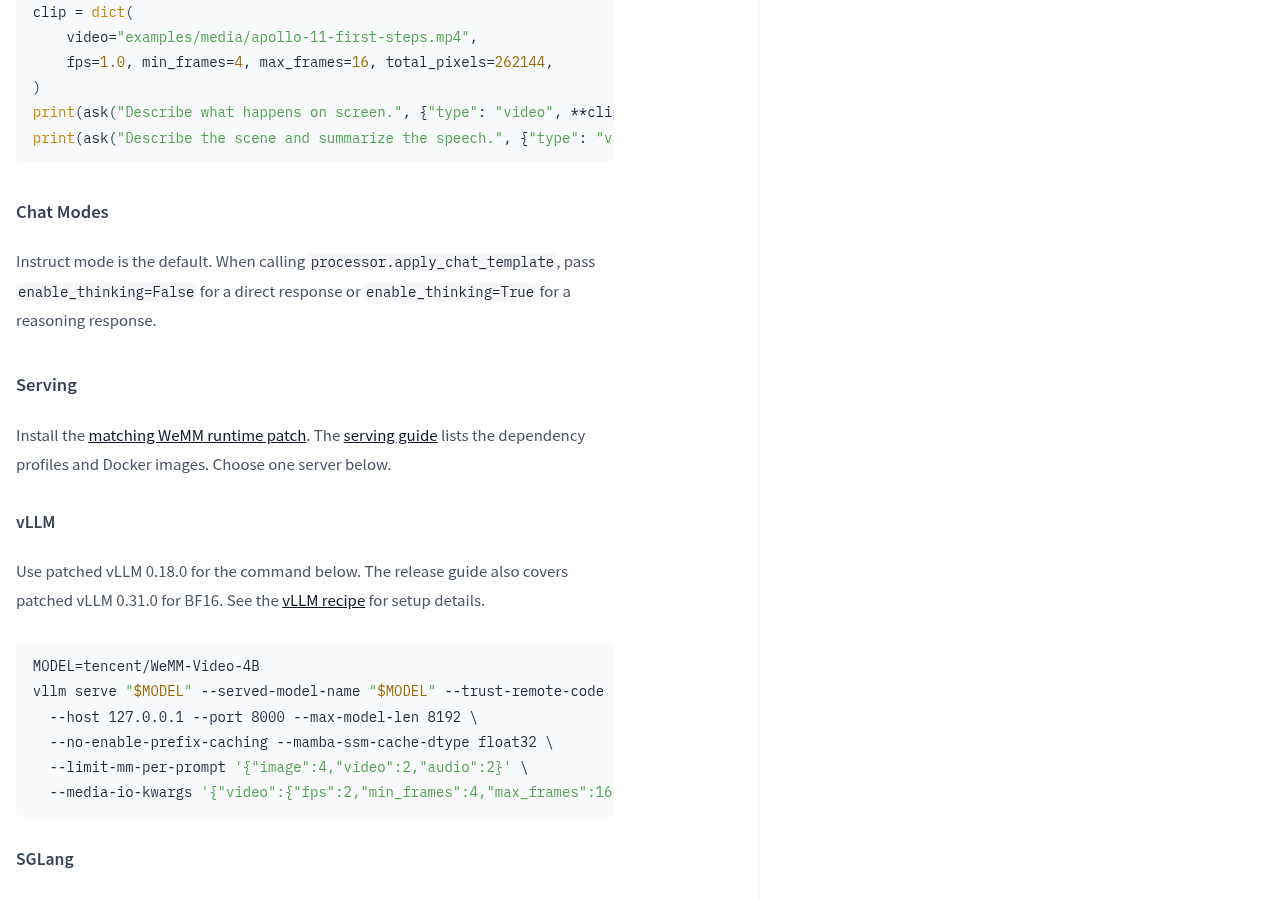
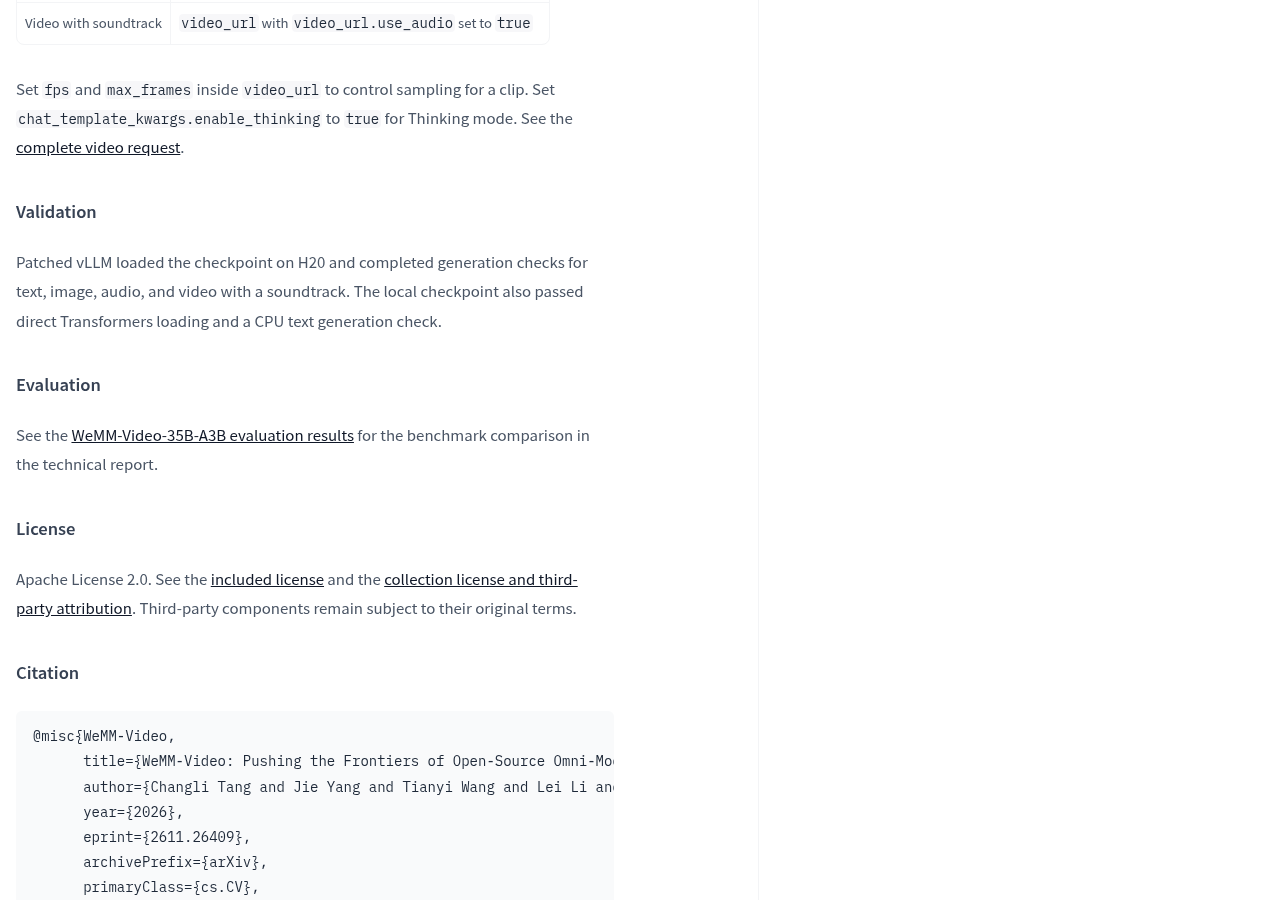
Licenses should also be viewed separately from deployment conditions. The official model card labels Apache License 2.0 and requires viewing accompanying licenses, collective licenses, and third-party attribution; third-party components still comply with their respective terms. Weight openness solves the issue of obtaining files; actual use requires checking the corresponding terms and dependencies.
You can start from Official Model Card, then check the linked documentation Project Repository and Runtime Environment Configuration Documentation. The latter two are document entries provided by the Model Card and do not mean all configurations have been verified item by item.
First, check your video tasks, then decide whether to connect them to the workflow
The official verification record states: a patched vLLM loaded the model on the H20 and completed generation checks for text, images, audio, and audio video; Local checkpoints also passed direct loading with Transformers and CPU text generation checks. Here you can see the specific runtime, but the CPU text generation record does not override CPU video understanding, and the generation check on the H20 does not provide speed or resource usage for a typical computer.
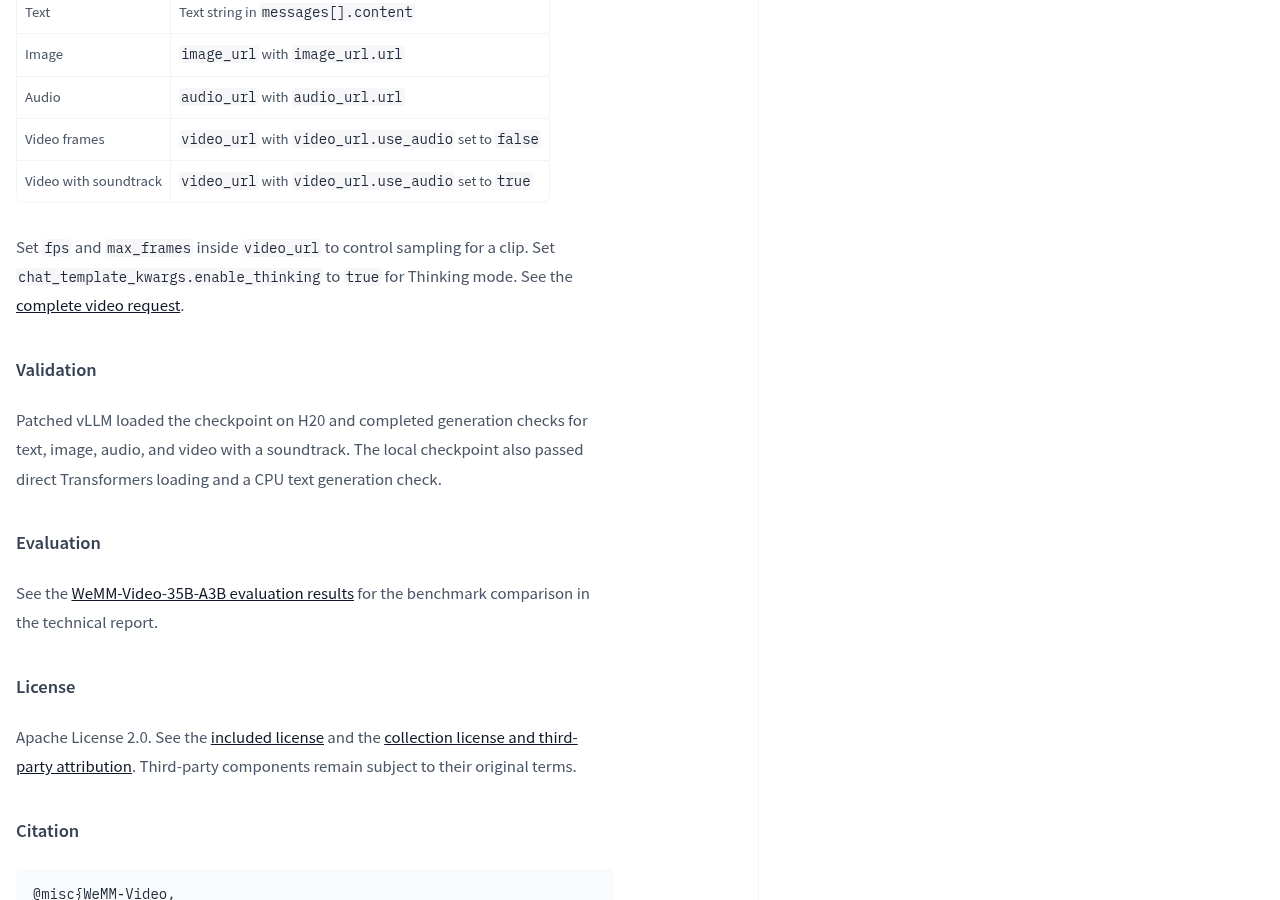
The evaluation score also needs to identify the target audience. The evaluation section of the 4B model card points to the technical report results of WeMM-Video-35B-A3B, but does not include 4B’s own corresponding results here. When selecting 4B, you should not directly paste the results of another model; This model card is better suited for judging the function entry point and deployment route.
Those who want to skip on-premises deployment and use managed inference directly must first confirm the service entry point. In this page record, the inference service provider area in Hugging Face shows that no service provider has deployed the model. This does not affect whether other platforms provide the service, but at least the model page cannot be treated as an already available managed call entry point.
- First, confirm what information the material needs: analyze only the visuals, or must it combine speech with ambient sound; Choose the corresponding input path.
- According to official patches and dependency configuration environments, verify that weight formats, available memory, and media handling match, without directly applying installation experience from other models.
- Using videos you have the authority to handle, compare the events, audio content, and audio-visual relationships in the answers against the original video item by item, checking whether you missed anything, misidentified, or filled in missing content.
- Record actual time spent, resource usage, and failure stages; When reproduction is needed, use the officially supported revision option to fix the model and processor version, then determine whether ongoing maintenance is worthwhile.
For those with deployment experience who truly need integrated audio-visual understanding, WeMM-Video-4B is a candidate; For those who expect to process video immediately on a regular computer after downloading, the current data lacks complete results on the corresponding device. A more valuable next step is to see whether it can reliably correspond the actions in the picture with the information in the sound. Only when this step is true in real tasks will the integrated audiovisual input transform from a functional list into a usable working capability.
Official information
Self-made software
Versions, changes and supported installers all come from the same public release records.
HyphenBox
A free model API radar and local router, with ongoing availability checks and keys kept on your device.
View public downloads and updates ↗LocalBrain
A local AI toolbox for transcription, speech, images, video, and MCP tools. Features vary by platform version.
View public downloads and updates ↗Support HyphenTech
Late nights and burned API credits went in,a cup of tea comes back out — only if you feel like it.
Save the QR codeScan with WeChatPress and hold to save the image, then open it from your album in WeChat Scan

WeChat tips · Any amount welcome



Comments
Loading comments…