
Info: Machine translation This post was machine-translated from the Chinese original. Wording may be rough in places — the Chinese version is authoritative.
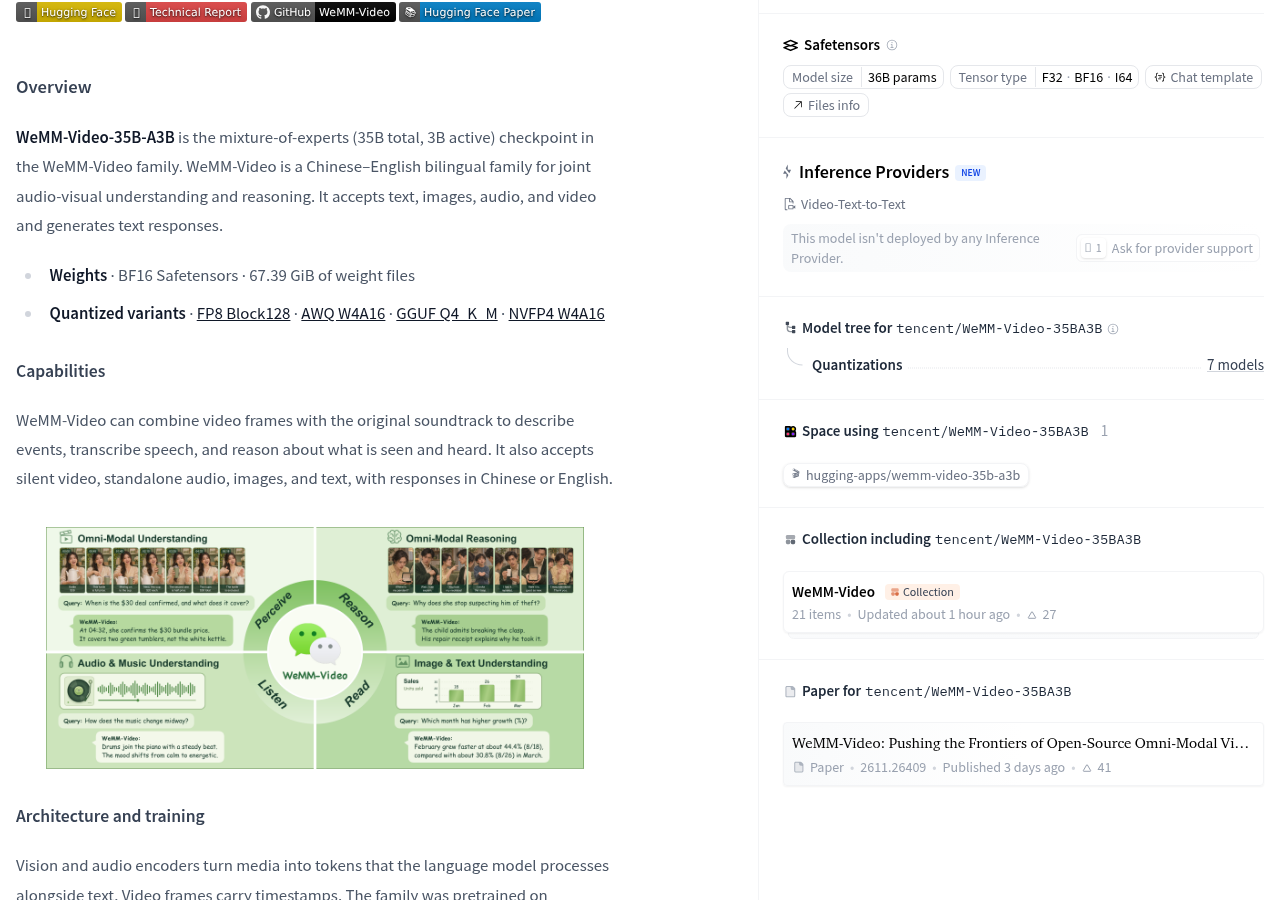
Deliver video with original sound to the model, which simultaneously describes the visuals, transcribes speech, and answers questions based on what it sees and hears—this is the capability listed on Tencent’s WeMM-Video official model card. It receives text, images, audio, and video, and outputs text in Chinese or English; It understands video, not generates video.
What truly affects usage choices are two conditions that are clearly visible when placed together: WeMM-Video-35BA3B nominal total parameter 35B, activation parameter 3B, while the original BF16 weight file contains 67.39 GiB. To integrate this into video editing or content analysis workflows, first confirm whether sound and image need to be understood together, then see if the equipment and operating environment can support the complete model. You can’t just focus on “activation 3B.”
Whether a voice is sent in changes the question it can answer
According to the official introduction, WeMM-Video can combine video frames with the original audio track to describe events, transcribe voice, and reason about audiovisual content. It also supports silent video and standalone audio, so “receiving video” is not very specific: for the same file, whether to send only the image or the audio together must be selected correctly when called.
This is very similar to a video received on WeChat: when watching silently, you can see what the person did but may not know what they said; Only after turning on the sound can you associate actions with words. The model’s joint audiovisual understanding also requires two streams of content to truly enter the processing flow, rather than automatically counting as listening just because the file has sound.
The official Python example clearly distinguishes between video and video_audio: the former only handles video frames, while the latter contains the original audio track. The service interface also distinguishes whether sound is used via video_url.use_audio. When organizing speech content or explaining the relationship between the image and dialogue, it should be checked that the actual input path with the audio track is taken.
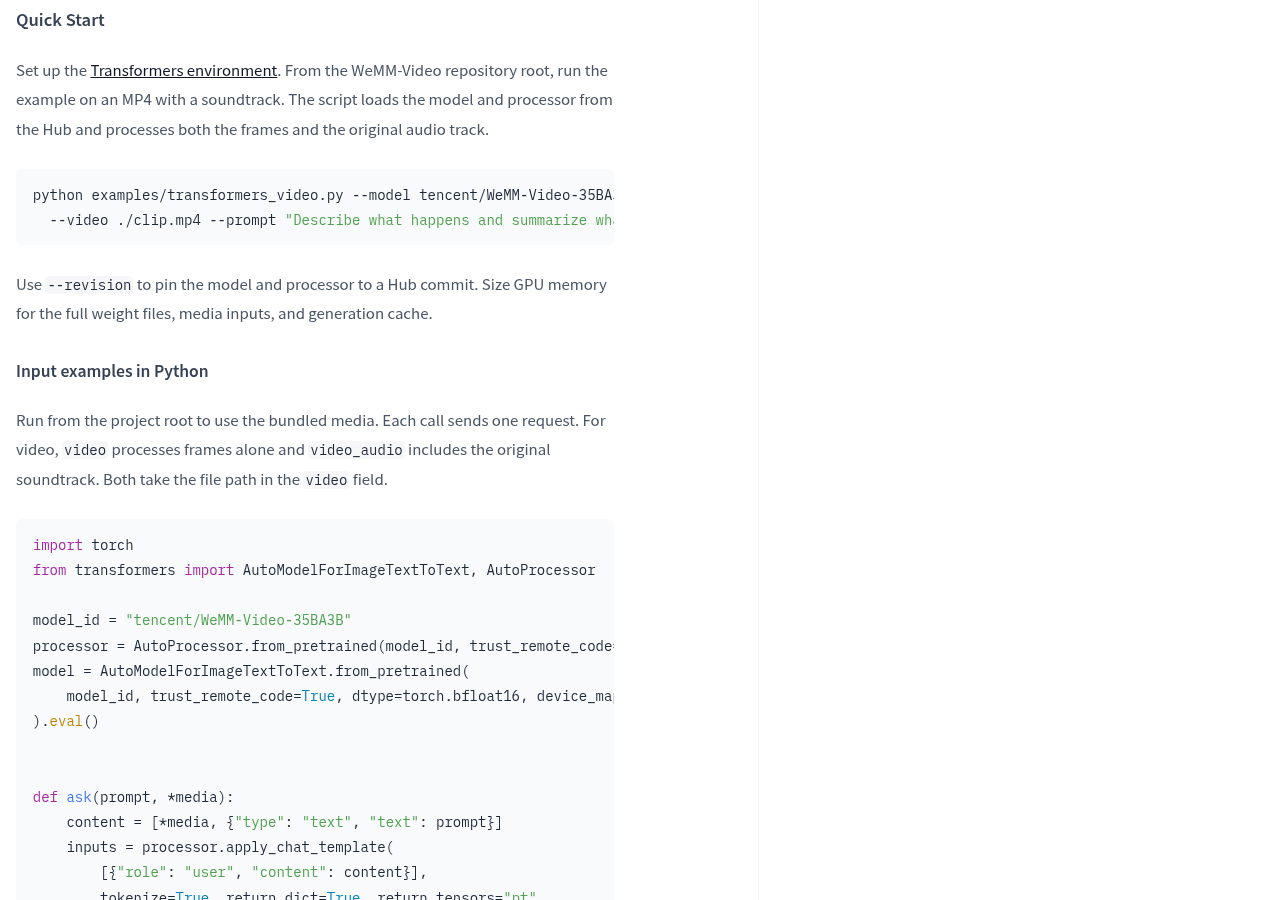
How the image is sampled also affects the results. The official explanation allows video sampling to be controlled via fps and max_frames. You can think of it as extracting a frame from a video and handing it to the model: the extraction method determines which visual information is fed. Therefore, when answering an omission, first check whether the input contains relevant images, then judge whether the model failed to understand. Developers who need these skills can learn two paths from the official input example.
Activating 3B doesn’t mean you only need to install 3B
This model adopts a hybrid expert architecture. The model card claims a total parameter of 35B, which is 35 billion; and an activation parameter of 3B, which is 3 billion. You can think of it as a courier station: all packages are stored on the shelf, and only part of them are used for a single pickup. Just because a pickup involves fewer packages doesn’t mean the entire site only needs that little shelf space. Corresponding to the model, the number of parameters involved in the current calculation and the full weight to be included during deployment are two different things.
The official BF16 weight file size is 67.39 GiB, and it is explicitly required to allocate VRAM for complete expert weights, media input, and generation cache. File size is not the minimum memory threshold for direct copying; Video and audio input and generation processes require additional space. The official vLLM and SGLang service commands both use two GPUs for tensor parallelism, distributing model computation across devices.
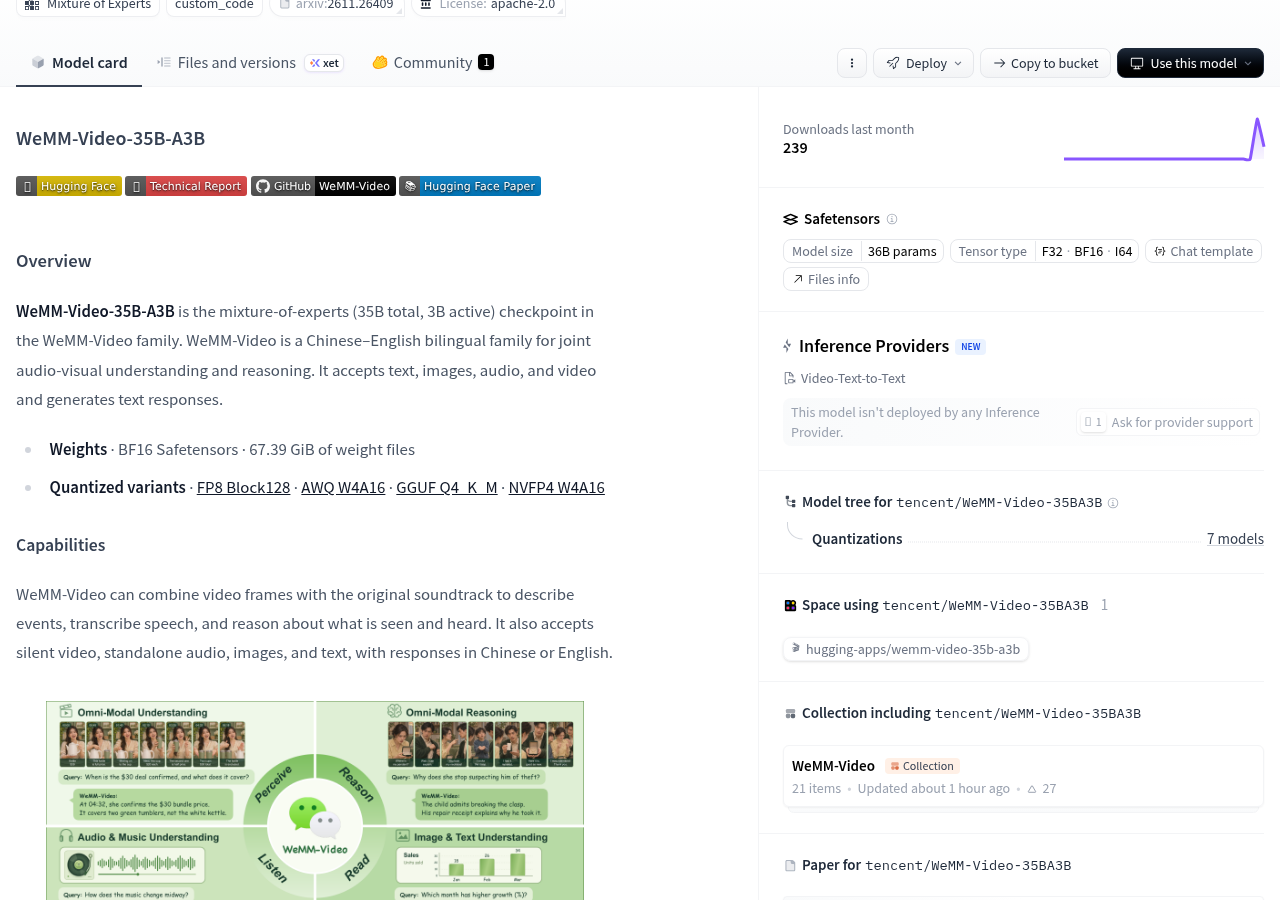
There is also a notable difference in caliber: the main text refers to the model as 35B total parameters, while the page automatically displays 36B parameters. The existing explanation does not explain the statistical relationship between the two, so it is not appropriate to supplement the exact hardware budget yourself. When selecting equipment, you should base it on the actual downloaded files, the chosen running plan, and the loading results, rather than directly inferring “a certain computer will definitely run” from the model name.
The model card lists entry points for FP8, AWQ, GGUF, and NVFP4 quantization versions. Quantization can be understood as representing storage weights with more compact numbers, but having one format entry does not mean all devices already have available solutions. The actual files, runtime support, audiovisual completeness, and hardware requirements for each version still need to be checked separately; Seeing GGUF does not directly indicate that the Mac can fully run video understanding with sound.
The runtime environment also has clear requirements: the official service description requires installing matching WeMM runtime patches, not just installing the generic inference framework. When preparing for deployment, first follow the official service note to confirm the corresponding solution, then check dependencies and patches. Trying only the familiar generic boot method may miss the adaptation required by the model.
Now is the time to evaluate projects by deployment, not treat it as a ready-made online tool
The official model page already lists the authority files, loading examples, and service methods, not just promises of future opening. The model card is labeled Apache License 2.0 and also states that third-party components are still subject to their respective original terms. Permission entry, usage licenses, and operating conditions need to be viewed separately: the file is open and does not mean any device can run it, nor does it mean deployment and use are cost-free.
If you only want to open the webpage and upload videos, this information currently cannot provide such ready-made service promises. During crawling, the Hugging Face page shows that no inference service provider has deployed the model; The download entry on the page should not be considered as having completed the installation for the reader. You can first check the official model page, then decide whether to proceed with deployment based on your own conditions.
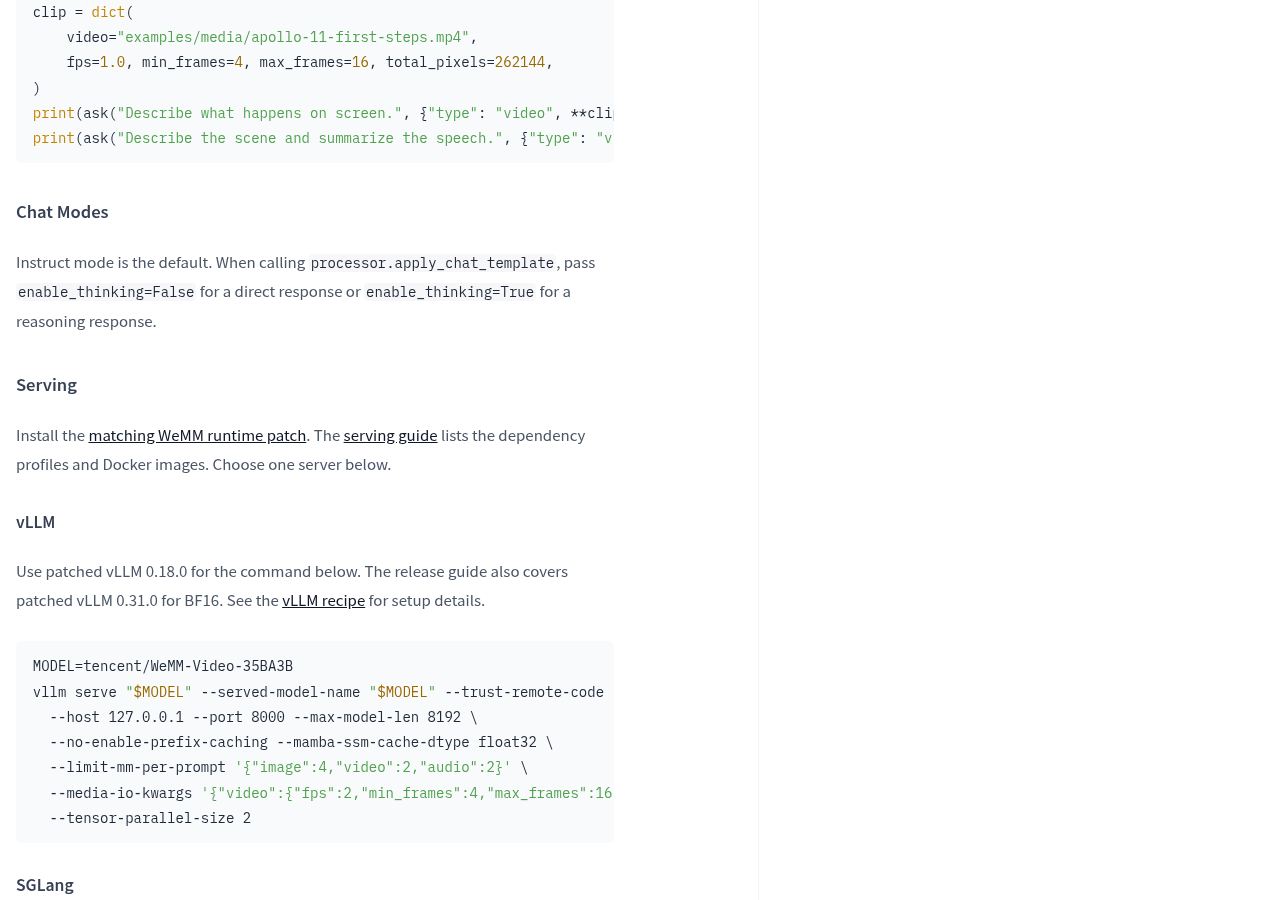
The official report states that the patched vLLM was used to load the model on the H20 and completed the generation checks for text, images, audio, and audio tracks; It also reported loading directly via Transformers and CPU text generation checks. These are the official runtime records. Among them, CPU text generation only covers text paths and cannot be used to judge the speed and availability of ordinary computers for audiovisual video processing.
Before deciding to deploy, select a video you have permission to use and whose content is familiar, and specify the questions you want to accept: whether the actions in the footage are accurately described, whether the speech is transcribed correctly, and whether the relationship between sound and action is properly explained. During testing, retain the input method, sampling settings, model version, actual time, and original responses; These are the acceptance actions to be executed, not the results already achieved.
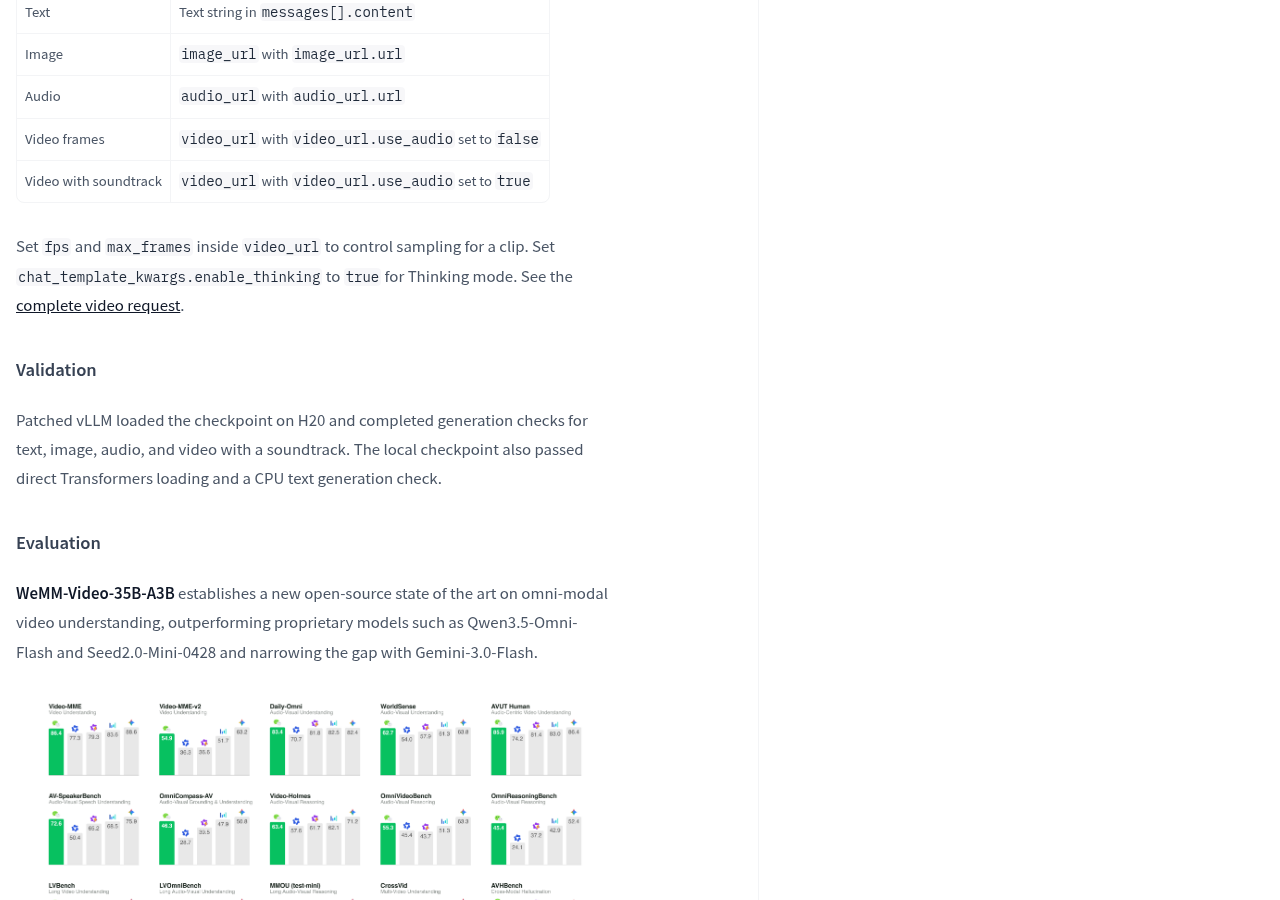
If only the video is an issue, first confirm whether the pure video path meets the requirements; If dialogue, ambient sound, and the video are indeed needed to participate in the judgment, then check the results of the audio track path. The official ranking can serve as a clue for further understanding; what truly determines whether it enters the workflow is the correctness of the target video and the current device’s performance.
Developers with suitable equipment, willing to handle runtime adaptation, and who genuinely need to jointly analyze sound and visuals can consider WeMM-Video as a deployment candidate; Users who just want to use it immediately or have not yet confirmed hardware support should first verify the conditions more suitably. Whether it can become a practical video editing tool in the future is not about retelling a scene, but whether adding sound can reliably solve previously unanswerable problems and make deployment and maintenance worthwhile.
Official information
Self-made software
Versions, changes and supported installers all come from the same public release records.
HyphenBox
A free model API radar and local router, with ongoing availability checks and keys kept on your device.
View public downloads and updates ↗LocalBrain
A local AI toolbox for transcription, speech, images, video, and MCP tools. Features vary by platform version.
View public downloads and updates ↗Support HyphenTech
Late nights and burned API credits went in,a cup of tea comes back out — only if you feel like it.
Save the QR codeScan with WeChatPress and hold to save the image, then open it from your album in WeChat Scan

WeChat tips · Any amount welcome



Comments
Loading comments…