
Info: Machine translation This post was machine-translated from the Chinese original. Wording may be rough in places — the Chinese version is authoritative.
Multiple agents can be divided in labor, code changes can be reviewed by branch, but archive sessions may also clean up the local working tree. DeepSeek Harness released version 0.2.2-rc.2 on November 11, 2026, bringing collaboration features and default behaviors that need to be migrated. The official release page marks it as a pre-release rather than a stable official release.
If an existing project has already taken on custom plugins, search services, or team collaboration, whether to upgrade depends mainly on whether the new features solve immediate problems and whether old configurations can be carried over. Simply wanting to increase the number of agents participating in tasks is not enough to justify directly switching to the daily work environment.
Collaboration is easier to see clearly, but deliveries still require item-by-item acceptance
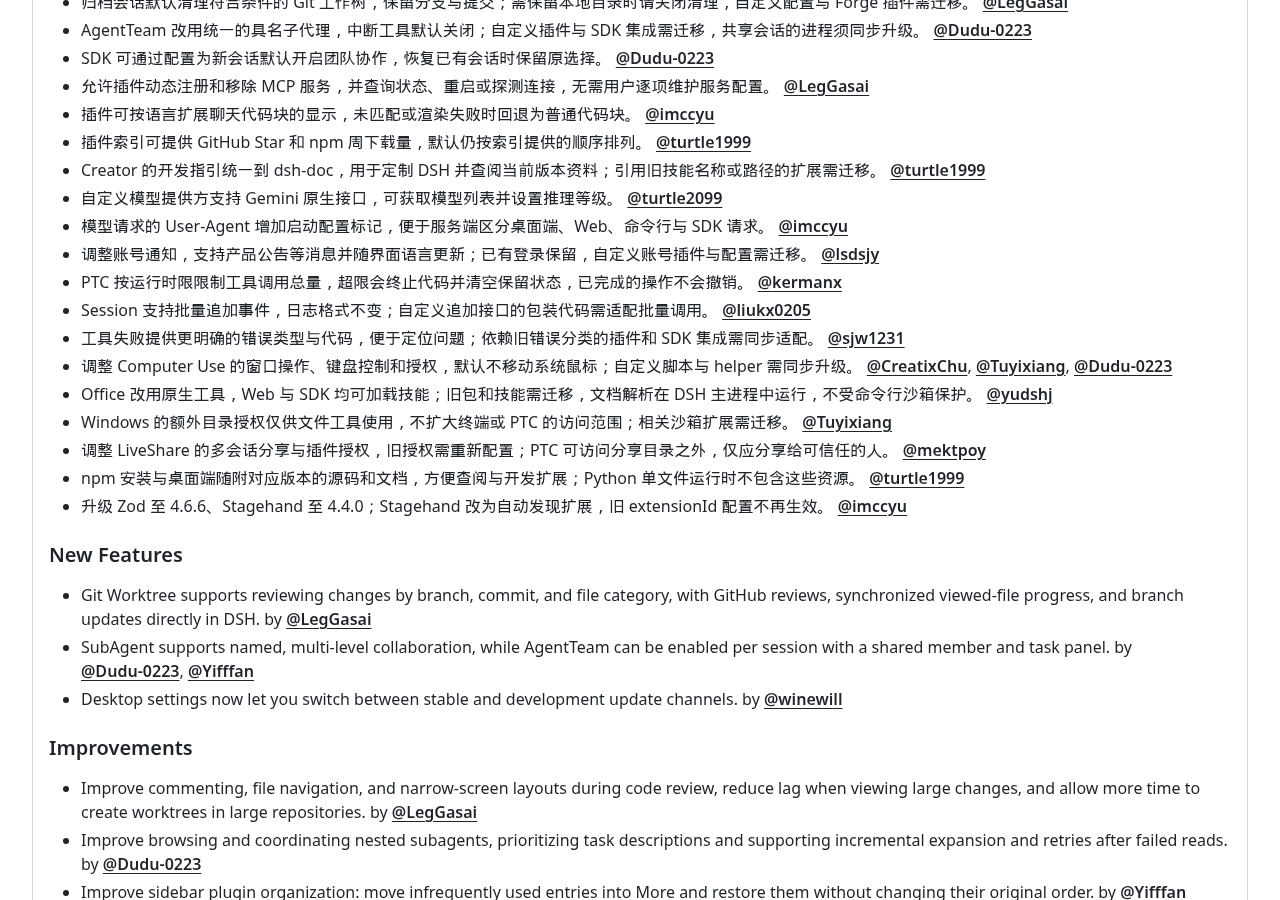
The official announcement lists the following changes: SubAgent supports named and multi-tier collaboration, AgentTeam can be opened by session, and members and task panels are shared. SubAgent can be understood as assistants who handle tasks with division of labor. For example, assigning tasks in WeChat groups and writing participants’ names and tasks is easier to track than just having a single chat record; Multi-level collaboration allows division of labor to continue downstream.
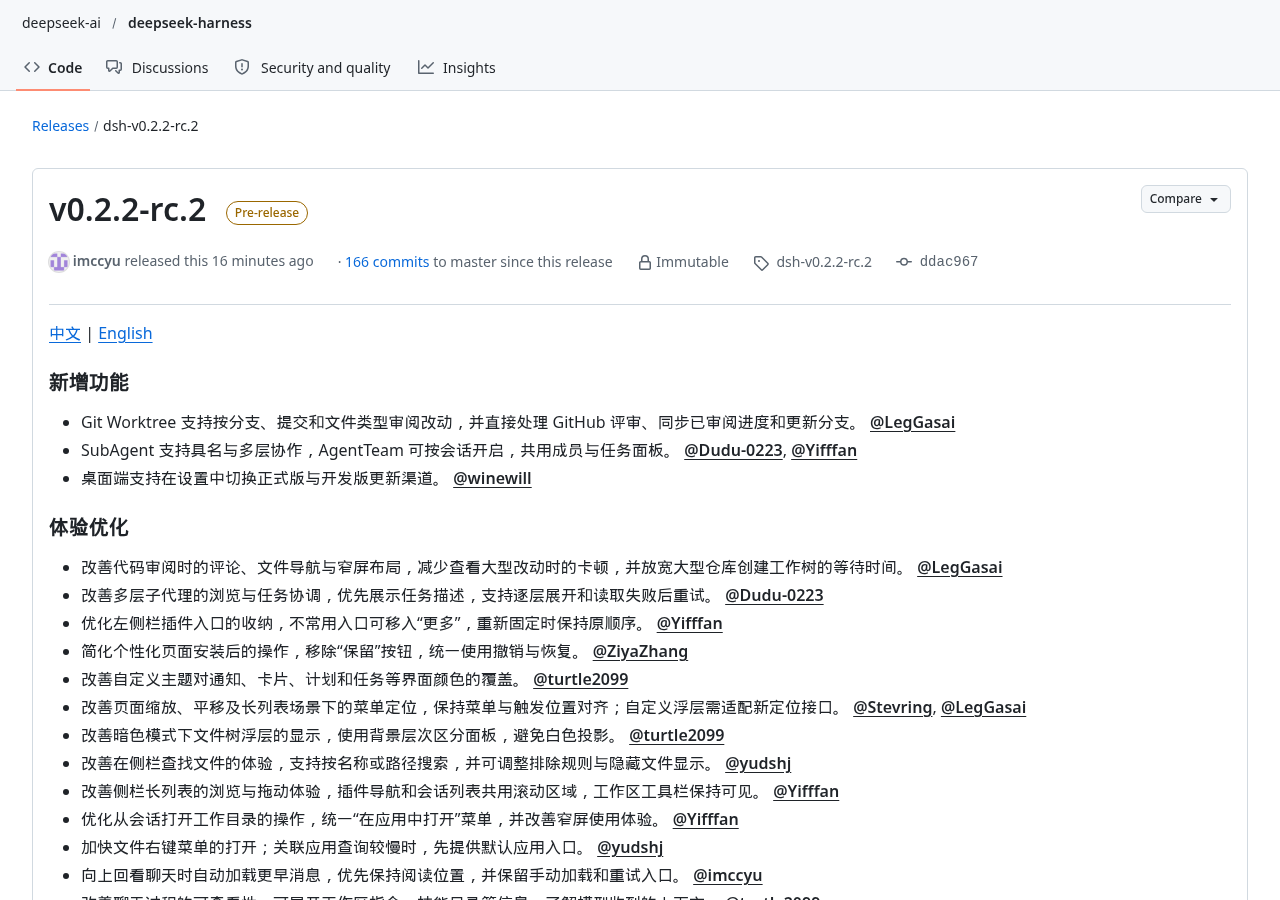
This update also adjusts the way tasks are viewed: task descriptions are prioritized, supporting layer-by-layer expansion, and retries can be made if a load fails. For projects that need to review different tasks back and forth, these changes are expected to reduce the burden of the search process. However, the panel more clearly solves the organization and viewing issues; whether tasks are done correctly still depends on the actual file, execution results, and acceptance conditions. The announcement does not provide data on collaboration success rates or completion times.
Users who already have team integrations should pay attention to migration requirements: AgentTeam switches to a unified named sub-agent, and interrupt tools are disabled by default; Custom plugins and SDK integration require migration, and processes in shared sessions need synchronized upgrades. The SDK is the development interface used by programs to access this tool. If existing programs rely on old collaboration methods, they should first verify whether members and tasks are displayed correctly and whether existing sessions can be restored before integrating the official tasks.
Review changes are more centralized, but archiving may take away the working catalog
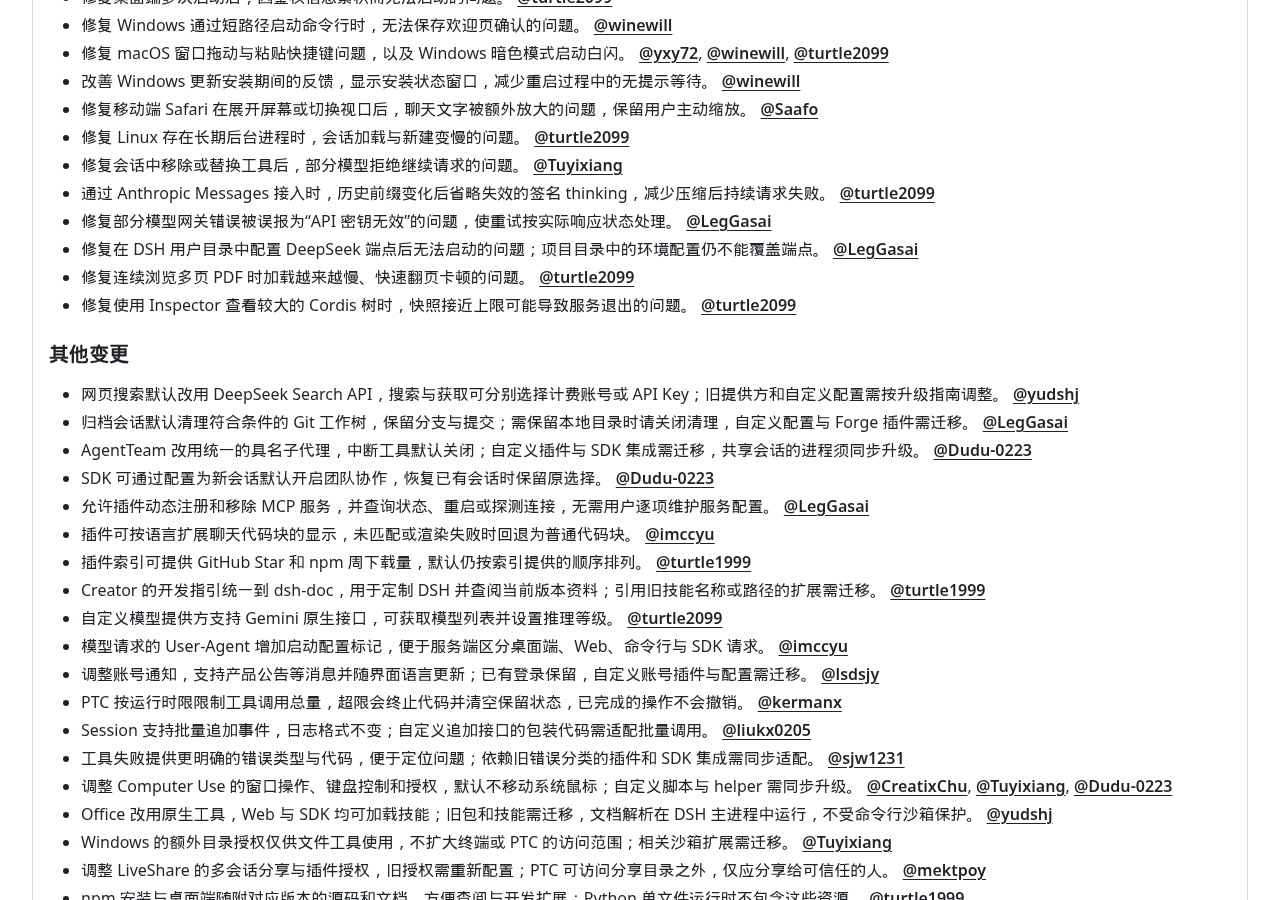
This time, Git Worktree supports reviewing changes by branch, commit, and file type, directly handling GitHub reviews, synchronizing reviewed progress, and updating branches. Branches can be seen as different modification routes for the same project; commits are version records saved along the way, and the work tree acts as a standalone workbench for a single route. Filtering by route, record, and file type during review is easier than mixing all changes together to identify and inspect targets.
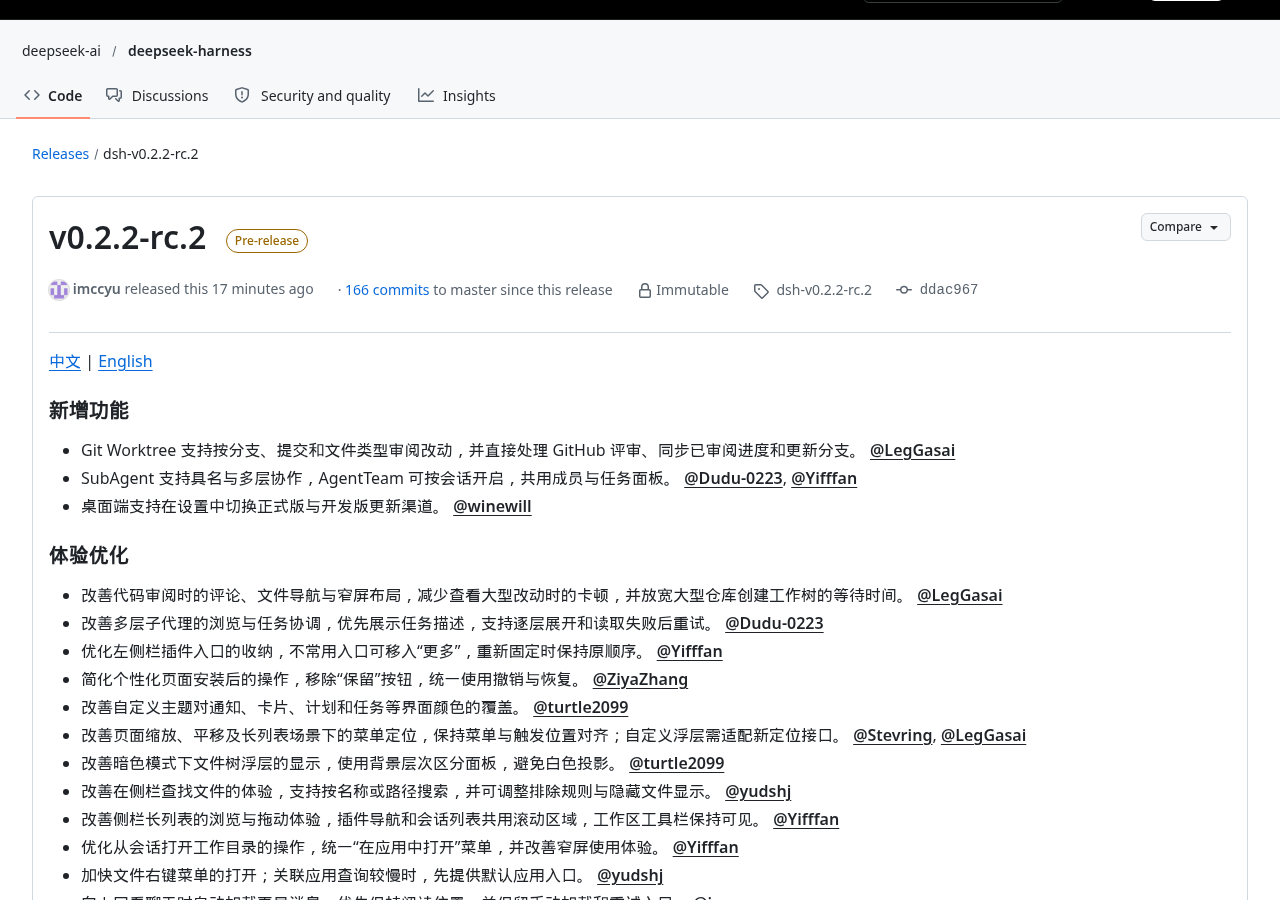
Fixes directly related to review are also worth noting: the official claim fixes the issue of review discrepancies and inconsistencies between the submitted line number after PR updates and improves statistics on many review discussions. PRs are a set of changes submitted to project maintainers for review; if the comment position after the update does not match the code version, discussions can easily lose their focus. For users relying on this review process, this affects actual usage more than whether the interface looks better.
Warning By default, archive sessions clean up the Git working tree that meets the conditions, retaining branches and commits; If you need to keep local directories, you should disable cleanup. Custom configurations and Forge plugins require migration.
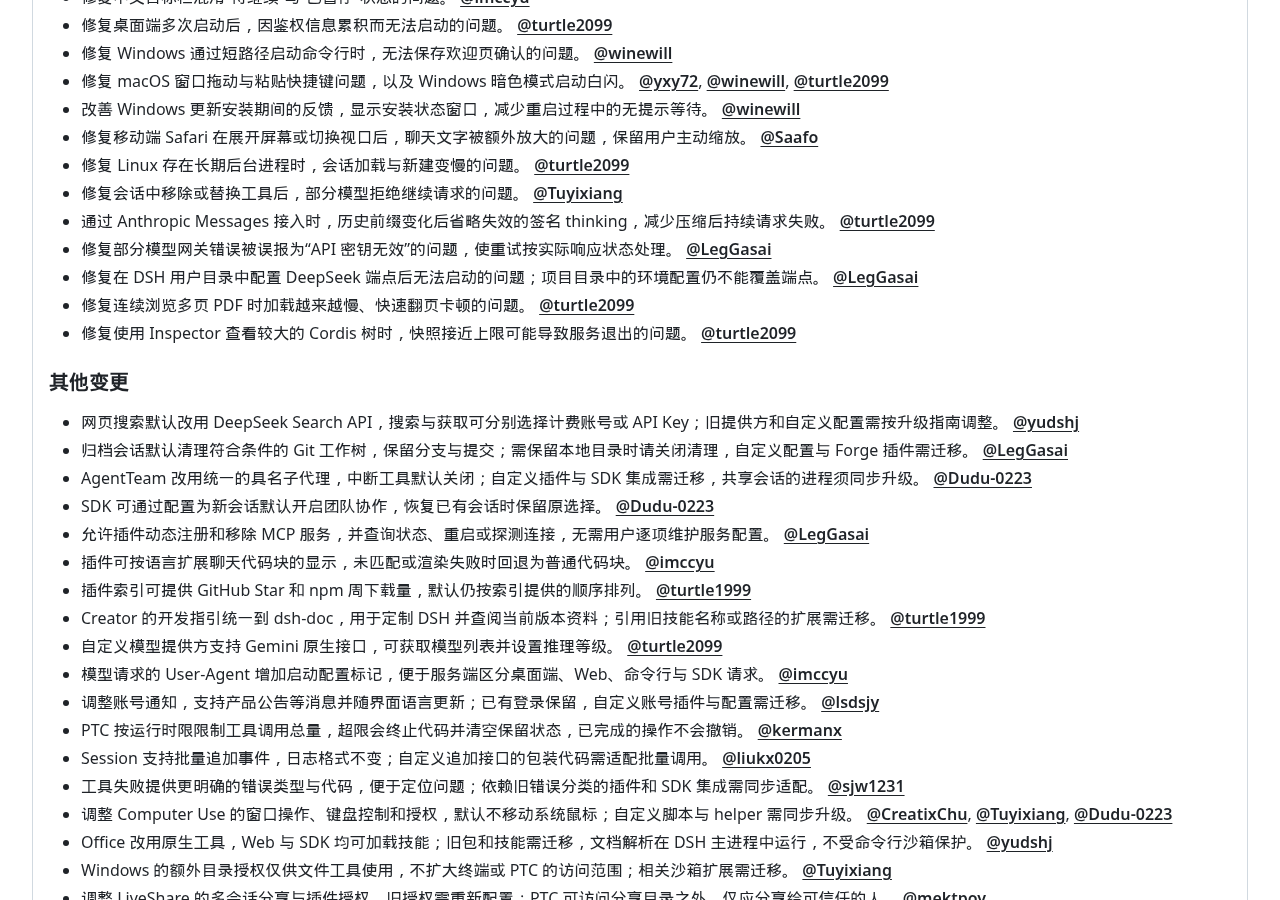
Keeping version records and retaining the entire working directory are different things. The official explanation does not promise to retain all contents in the directory, nor does it specify the specific criteria for “qualifying” here. For projects that rely on the local directory to continue working, you should first confirm the cleanup settings and back up the files that need to be retained; Do not directly interpret “archiving” as preserving as is.
Before upgrading, check the search configuration and tool permissions
Web search defaults to the DeepSeek Search API, where you can choose either a billing account or an API Key for searching and retrieving content. An API Key can be understood as a service call credential, like the voucher presented during pickup, used to confirm which account to use for this request. This involves billing selection and cannot be directly inferred from feature availability to be free; The announcement does not specify pricing or bonus quotas. The old provider and custom configurations need to be adjusted according to the upgrade guide, but this announcement does not specify the migration steps.
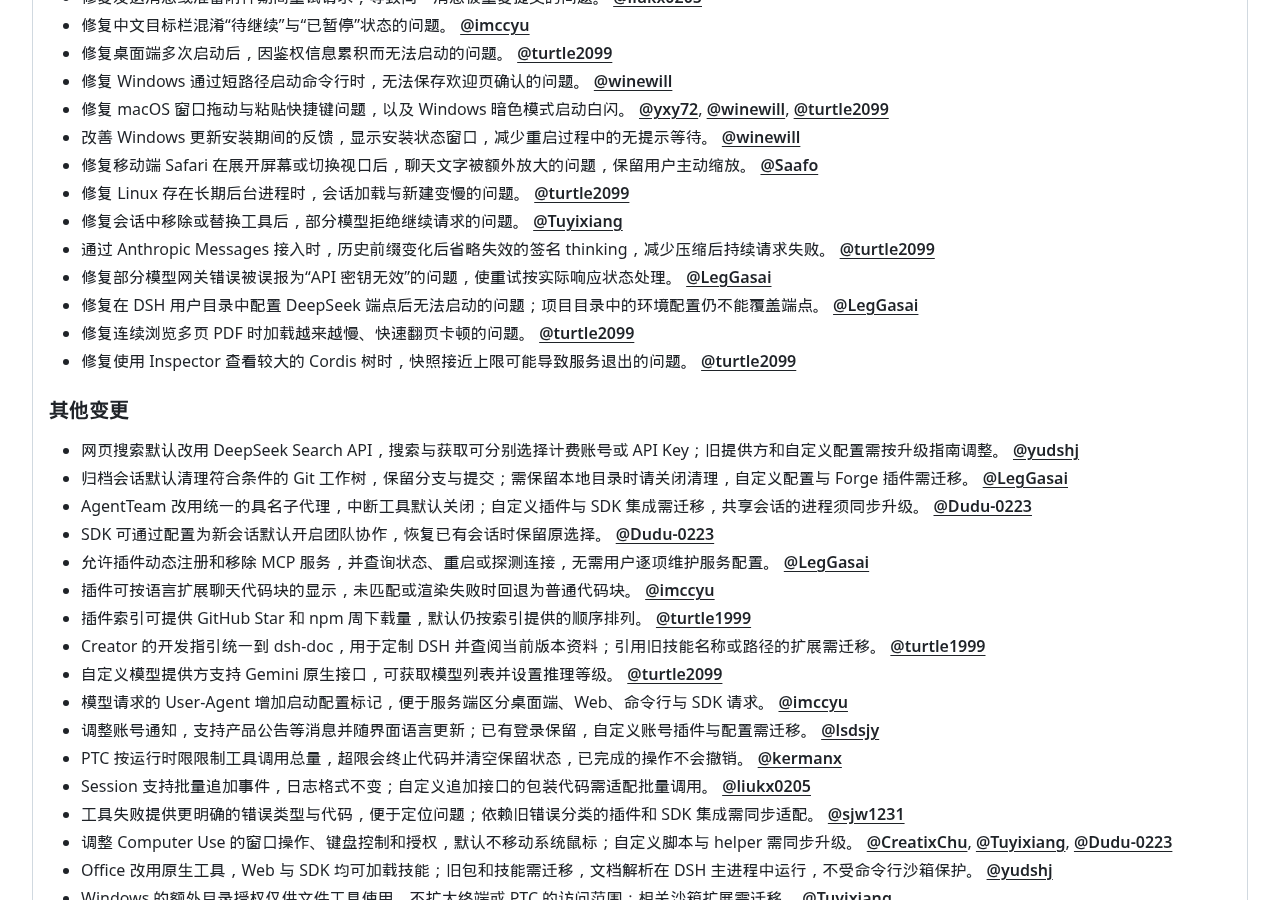
Tool permissions also cannot be viewed solely by the status of “Sandbox Open.” The sandbox acts like a fence that limits the workspace; the key is which operations actually run within the fence. The official explanation clearly states that Office document parsing runs in the main DSH process and is not protected by the command line sandbox; Windows additional directory authorization is only for file tools and does not expand the access range of the terminal or PTC. Being able to open a file does not mean you gain the same permissions when executing commands.
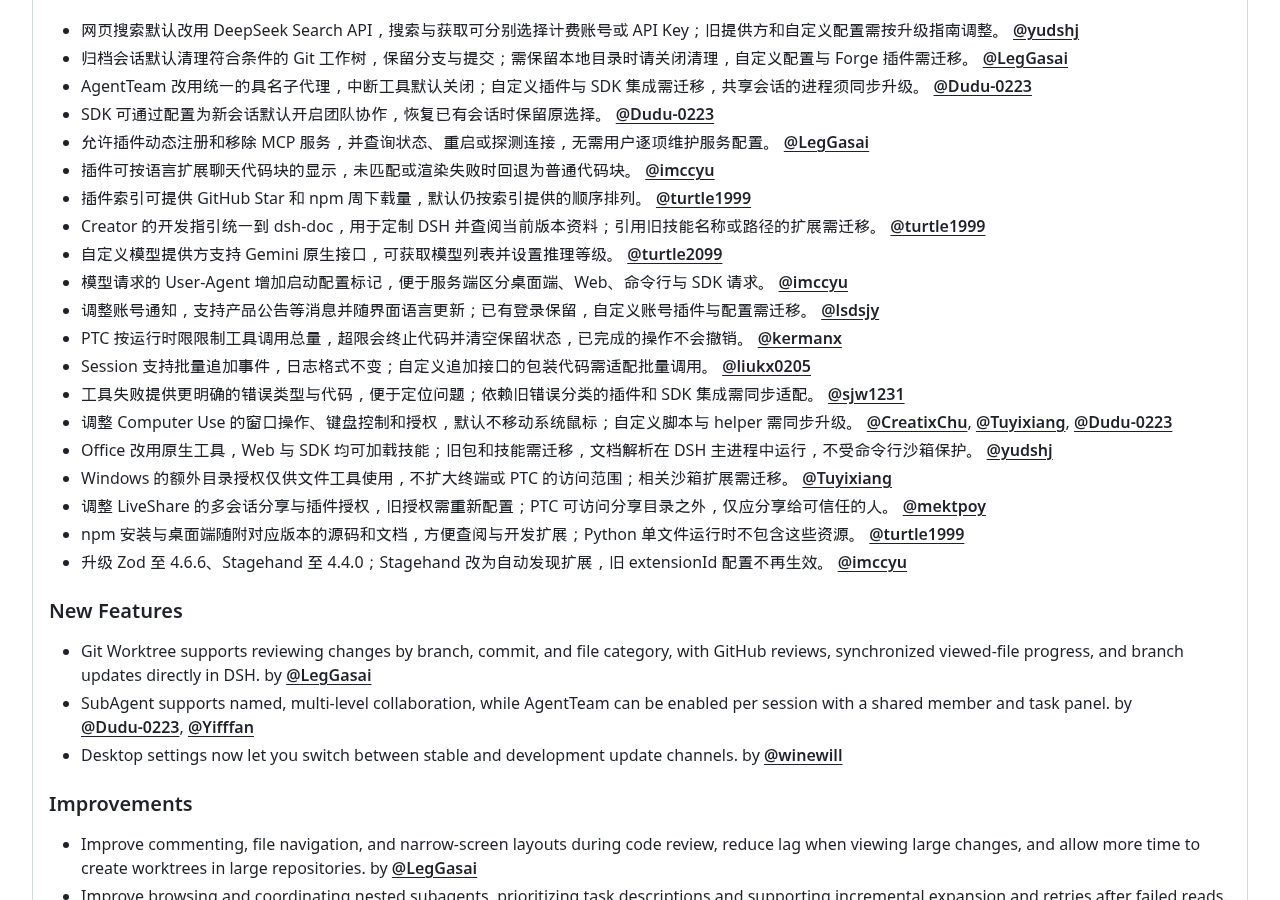
Collaborative sharing also provides more direct reminders: Old LiveShare licenses need to be reconfigured, PTC can access the sharing directory exclusively, and official requirements require sharing only with trusted individuals. Additionally, user endpoint content that is allowed to be read will enter the model and session logs. If sensitive content such as credentials or customer information may appear in the work directory or terminal, the shared audience and readable content should be included in the upgrade check, not just checking whether the buttons are functioning properly.
- Team collaboration required: verify members’ behavior after upgrading with task panels, session recovery, and synchronization of shared session processes.
- Code review required: Verify branch filtering, updated comment locations, and review progress, and confirm archive cleanup settings.
- Custom integrations already exist: check search providers, billing vouchers, plugin and SDK migrations, then confirm what files, terminals, and sharing licenses each cover.
- For daily stable use: first remember this is still a pre-release version; Switching new update channels on desktop does not mean this version is stable.
Specific changes can be found here DeepSeek Harness v0.2.2-rc.2 Official Release Notes . Before upgrading, it is recommended to check the actual installed packages and platform support lists directly on the respective release page before deciding whether to replace the existing working environment.
This upgrade is more suitable for users with clear collaboration or review needs and willing to handle configuration migration. What is worth testing next is not how many assistants can be arranged simultaneously, but whether tasks can be clearly viewed, changes reviewed, and whether the files needed after archiving remain. If these steps cannot be connected, adding division of labor may only leave the organization work for last.
Official information
Self-made software
Versions, changes and supported installers all come from the same public release records.
HyphenAssistant
Continue your computer’s DeepSeek Harness session from a phone browser. The service, computer and network must stay online; model costs follow your existing setup.
View public downloads and updates ↗LocalBrain
A local AI toolbox for transcription, speech, images, video, and MCP tools. Features vary by platform version.
View public downloads and updates ↗HyphenBox
A free model API radar and local router, with ongoing availability checks and keys kept on your device.
View public downloads and updates ↗ScreenLex
Turn subtitles from your own films and shows into an English vocabulary library, entirely offline.
View public downloads and updates ↗HyphenScreen
Screen recording and editing with a Resolve-style timeline, automatic redaction and pre-export checks.
View public downloads and updates ↗Support HyphenTech
Late nights and burned API credits went in,a cup of tea comes back out — only if you feel like it.
Save the QR codeScan with WeChatPress and hold to save the image, then open it from your album in WeChat Scan

WeChat tips · Any amount welcome




Comments
Loading comments…