
Info: Machine translation This post was machine-translated from the Chinese original. Wording may be rough in places — the Chinese version is authoritative.
MiniMax-H3-Image-PE already provides text-to-image description and expanded weighting, but the output is not an image, but a more detailed image description and frame size suggestion. The image editing branch is still under development; currently, the released task command is the one. If you want to integrate it into the drawing tool, first clarify which step you are getting.
It is suitable for solving the problem: how to organize brief requirements into descriptions for use in the image generation stage. The final image must still be handed over to subsequent image model generation. Whether it is worth deploying depends on whether this step improves the actual workflow and whether it is worth maintaining an additional model.
It is responsible for clearly stating the requirements but not for drawing the pictures
You can think of this process as sending a WeChat message to a designer: a brief request, first organized into a more specific visual description, then handed over to the person responsible for creating the drawing. MiniMax-H3-Image-PE handles the initial organizing work; the later image generation is another step. The description becomes more detailed, but it also needs to be checked to ensure it deviates from the original requirements.
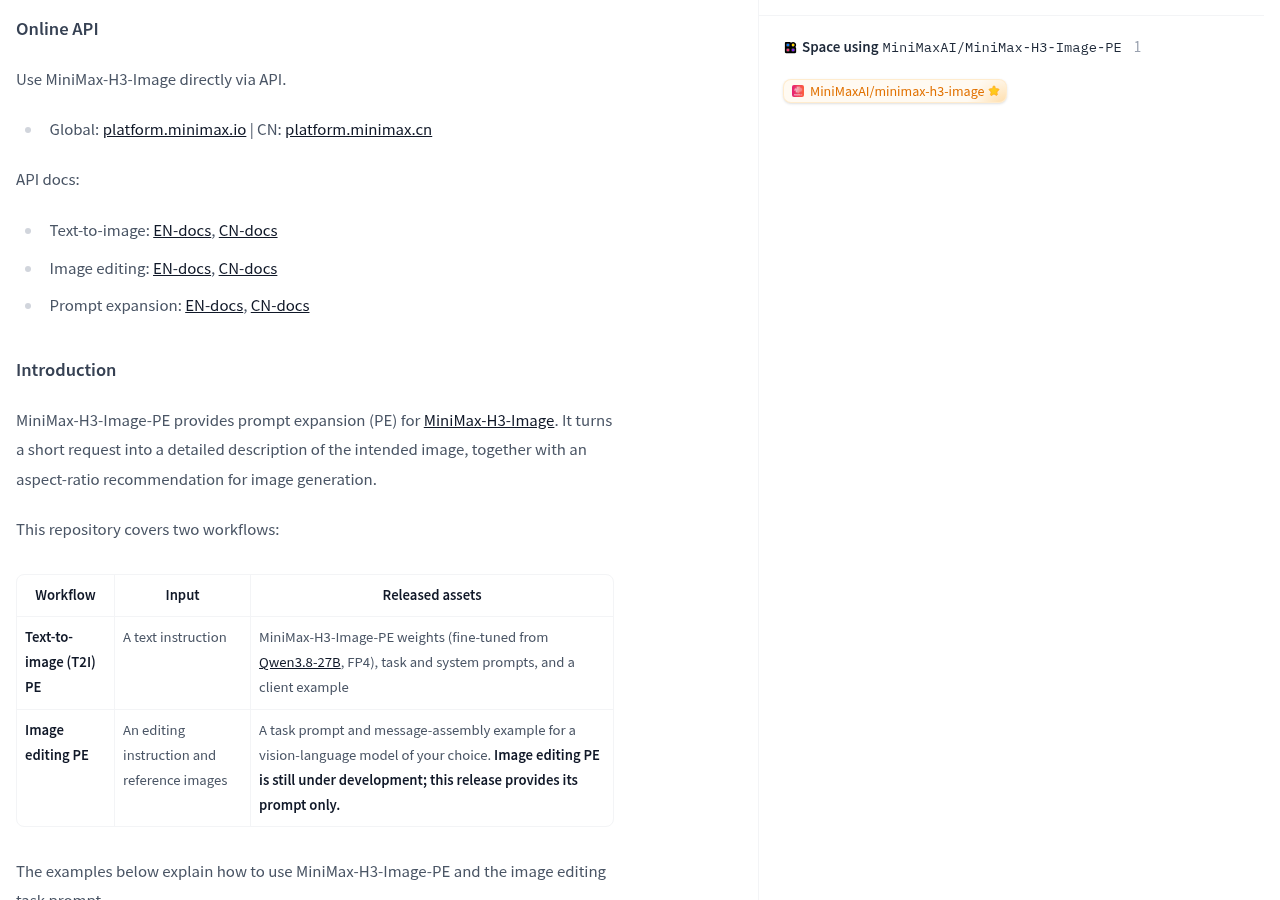
The official text-to-image example inputs “On the sunlit windowsill, an orange cat is sleeping.” The sample output supplements descriptions of photography style, afternoon lighting, and fur lighting, and provides aspect ratios. This example shows the format of the expanded version, without showing the final image or providing comparative results for image quality improvement.
Format suggestions also have clear usage conditions: when selecting the automatic size, the scale returned by the model will be generated later; if the ratio has already been manually specified, manual selection is used. Just like if a designer has already been asked to submit a horizontal poster, the assistant for organizing needs should not be allowed to switch to vertical on its own.
Text-to-image images already have weight; image editors need to look at the delivery scope separately
The official text-to-image delivery includes: FP4 weights, task and system instructions fine-tuned based on Qwen 3.8-27B, as well as client examples. The image editing delivery consists of task instructions and message assembly examples, which require use with a custom visual language model, meaning a model capable of processing both text and images.
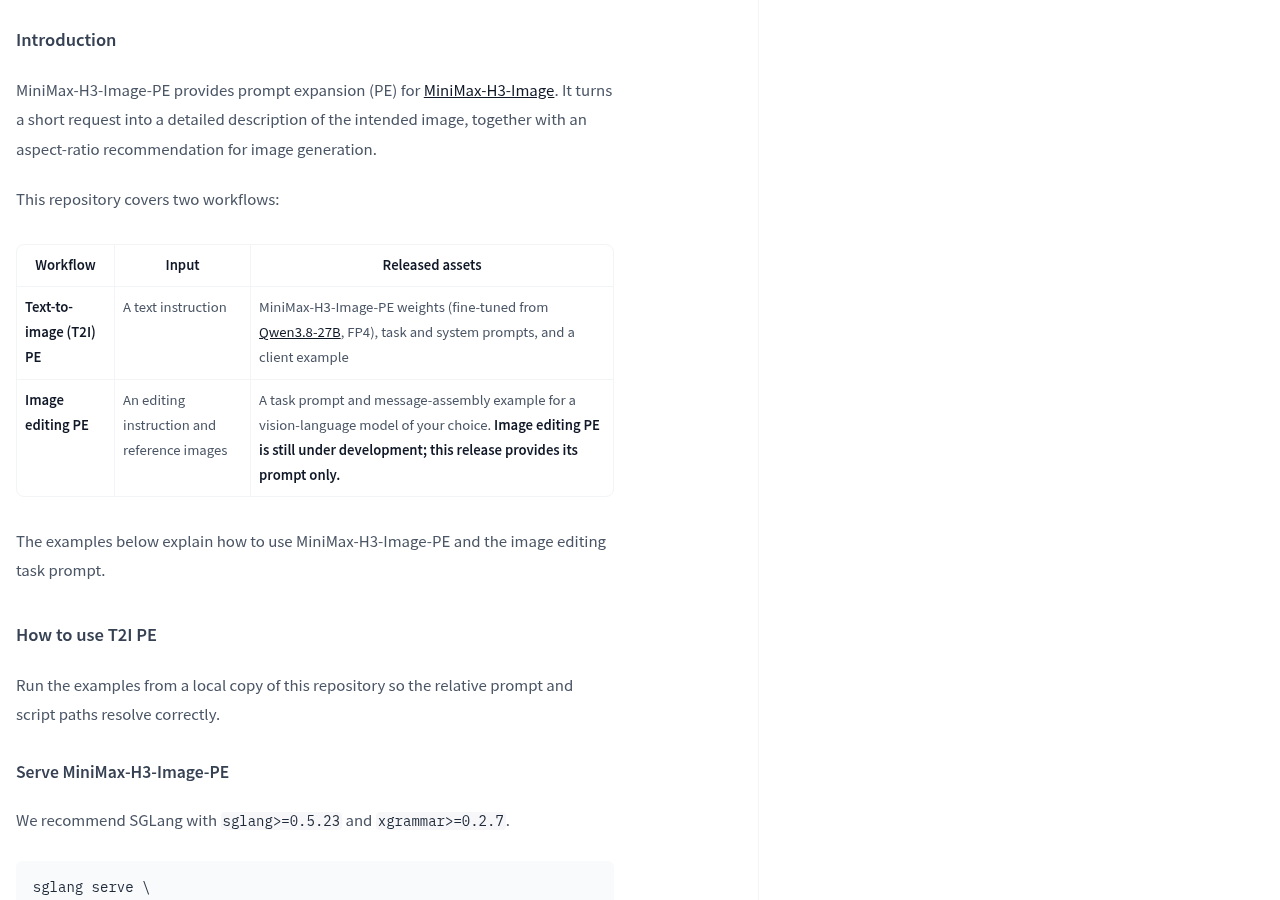
The image editing process is like sending a WeChat message to a retoucher: first attach the images in order, then specify which image to change, which to reference, and what to keep. The official requirement is to place the image label closely against the original image size, and finally provide modification requirements and target frame size. What is returned is still the edit description and target ratio, not the modified image.
Two things need to be clarified here: the official statement clearly states that image editing and augmentation are still under development, and only task instructions are provided this time; The same document also provides an example of using Modular Diffusers to input reference images. Based on this, we can study how to integrate the editing description process, but we cannot treat the example as a dedicated image editing and augmentation weight already published or the editing effect already verified.
Before connecting, first check the operating conditions, then review the licensing and acceptance inspections
For local operation, the official setup provides two paths: SGLang service deployment and Modular Diffusers. For the former, sglang>=0.5.23 and xgrammar>=0.2.7 are recommended; for the latter, CUDA is used as an example. Runtime can be understood as the supporting software that actually starts working on the model files: just because the file is open does not mean the software and hardware on your current computer meet all the requirements.
FP4 can be roughly understood as storing model weights in a more compact way, similar to compressing packages on courier shelves to reduce storage footprint; Picking up and processing still require workspace. The official Modular Diffusers path specifies that weights are stored in four bits, using about 19 GiB of video memory. This value is part of the runtime instructions for the expansion component and is not the total VRAM budget for the entire subsequent image generation process.
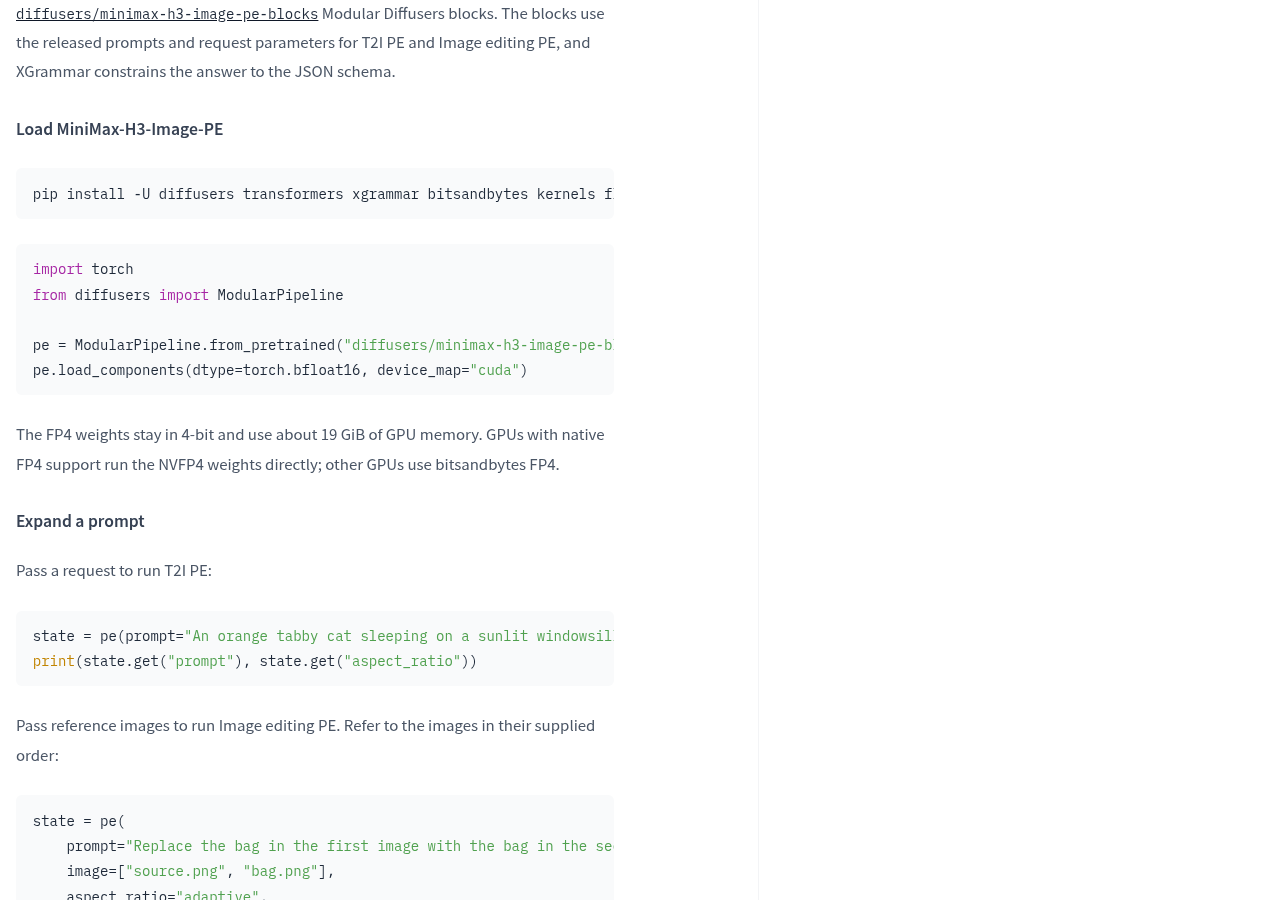
The official explanation also states that graphics cards natively supporting FP4 run NVFP4 weights directly, while other cards use bitsandbytes FP4; The activation calculation for the Modular Diffusers path uses bf16, and the output is not exactly the same as the SGLang deployment mentioned earlier. Therefore, choosing a path should not only consider whether files can be loaded, but also check the required dependencies and actual output.
Licenses should also be considered separately. MiniMax-H3-Image-PE uses the MiniMax-H3-Image Community License, while the base model Qwen 3.8-27B uses Apache 2.0. Licensing for base models cannot directly replace the usage conditions of derived models; For situations described in Section 4 of licensing, the official entry point is provided for a separate written authorization application.
- Prepare the custom build process: From Official Model Documentation Confirm what text-to-image and image editing each provide, then choose the running path.
- If you only want to generate images online: the model documentation lists the official online image generation guide entry; Account conditions, fees, and availability must be confirmed in the corresponding service; it cannot be assumed to be free online based on the weight opening.
- Prepare to access the product: first review Community License Documents, then determine whether written authorization application is involved.
Actual acceptance should start from your own image requirements: first check whether the enlargement retains the subject, required text, and clear aspect requirements, then check whether the structured output can be correctly received by subsequent programs, and finally send the description of the enlargement into the image generation stage to observe whether the final image better matches the original intent. When integrating image editing, also check whether the order of reference images matches the modification objects correctly. These are the inspection steps after integration, not the official conclusions already given.
If you only draw occasionally, deploying a separate description and augmentation model is cost-effective depends on maintenance burden and actual benefits; If you are building an automatic drawing tool, it provides an accessible requirement organization step. The real change worth noting is that the image workflow is beginning to separate “understanding requirements” from “execution generation.” The next step to be evaluated is whether this extra step reduces rework or adds details that need correction.
Official information
Self-made software
Versions, changes and supported installers all come from the same public release records.
HyphenAssistant
Continue your computer’s DeepSeek Harness session from a phone browser. The service, computer and network must stay online; model costs follow your existing setup.
View public downloads and updates ↗LocalBrain
A local AI toolbox for transcription, speech, images, video, and MCP tools. Features vary by platform version.
View public downloads and updates ↗HyphenBox
A free model API radar and local router, with ongoing availability checks and keys kept on your device.
View public downloads and updates ↗ScreenLex
Turn subtitles from your own films and shows into an English vocabulary library, entirely offline.
View public downloads and updates ↗HyphenScreen
Screen recording and editing with a Resolve-style timeline, automatic redaction and pre-export checks.
View public downloads and updates ↗Support HyphenTech
Late nights and burned API credits went in,a cup of tea comes back out — only if you feel like it.
Save the QR codeScan with WeChatPress and hold to save the image, then open it from your album in WeChat Scan

WeChat tips · Any amount welcome



Comments
Loading comments…