
Info: Machine translation This post was machine-translated from the Chinese original. Wording may be rough in places — the Chinese version is authoritative.
If your requirement is “to have video generation remember what happened earlier and issue new commands while generating it,” then the new repository opened by Tencent Hunyuan is worth paying attention to. Tencent HunYuan officially added tencent/Hy-Nomas-Diffusers to Hugging Face, providing the BF16 Diffusers format weight for Hy-Nomas. The model page shows 9B parameters, Apache-2.0 license, and the base model is tencent/Hy-Nomas.
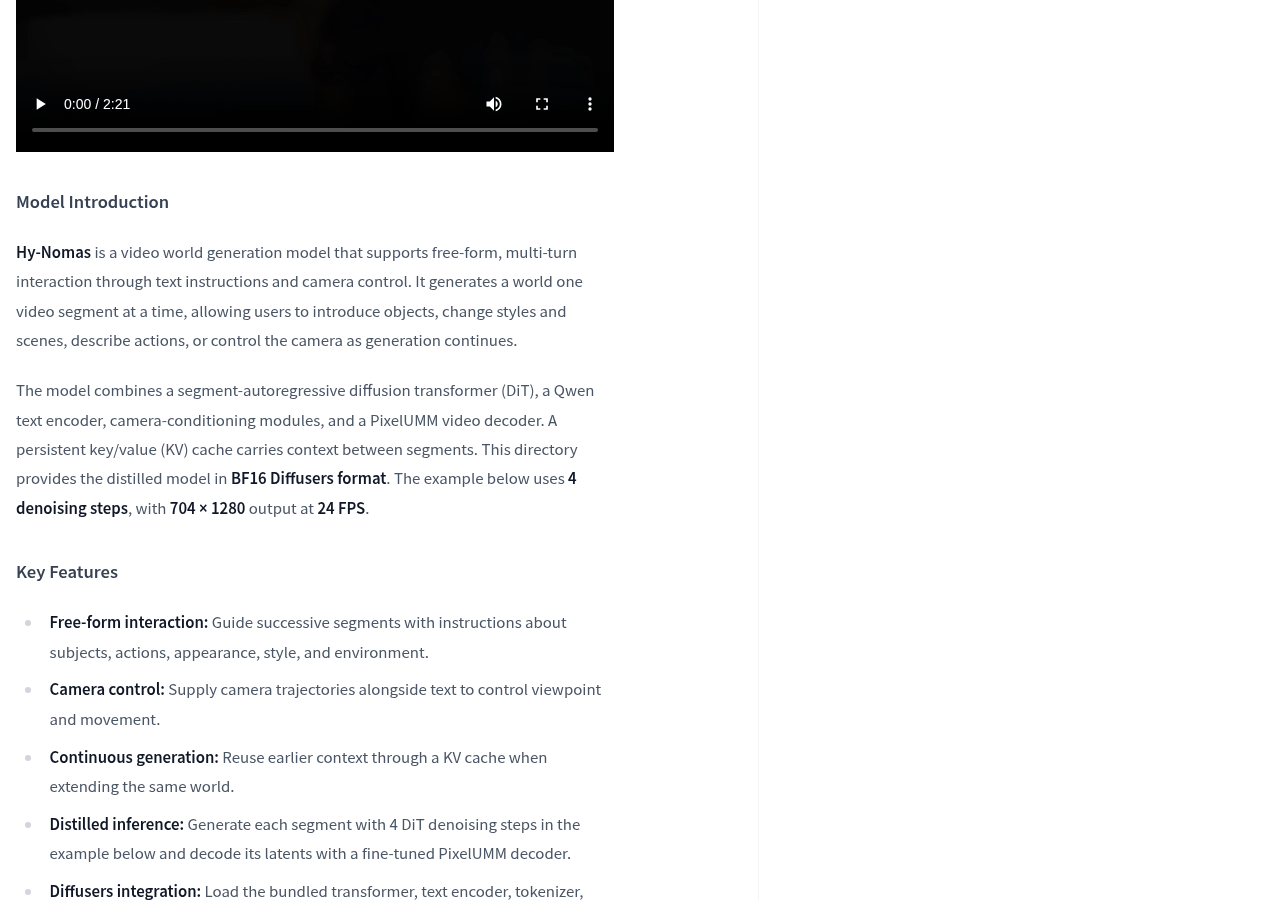
Let’s clarify what it is first. The official repository describes it as “a video model for free-form interactive world generation,” supporting multi-turn interaction through text commands and camera control: it generates the world video by video, allowing users to introduce objects, change styles and scenes, describe actions, or control shots during generation.
This is different from the common text-to-text videos where “a prompt gives a few seconds of clip.” More precisely, it’s like a script that can be rewritten: the content generated from the first segment is retained as context, and the next part continues downward instead of randomly drawing again. The official team lists three key points for this capability: freeform interaction, camera trajectory control, and continuous generation using KV cache reuse historical context.
First, understand these two terms, then see if you can get started
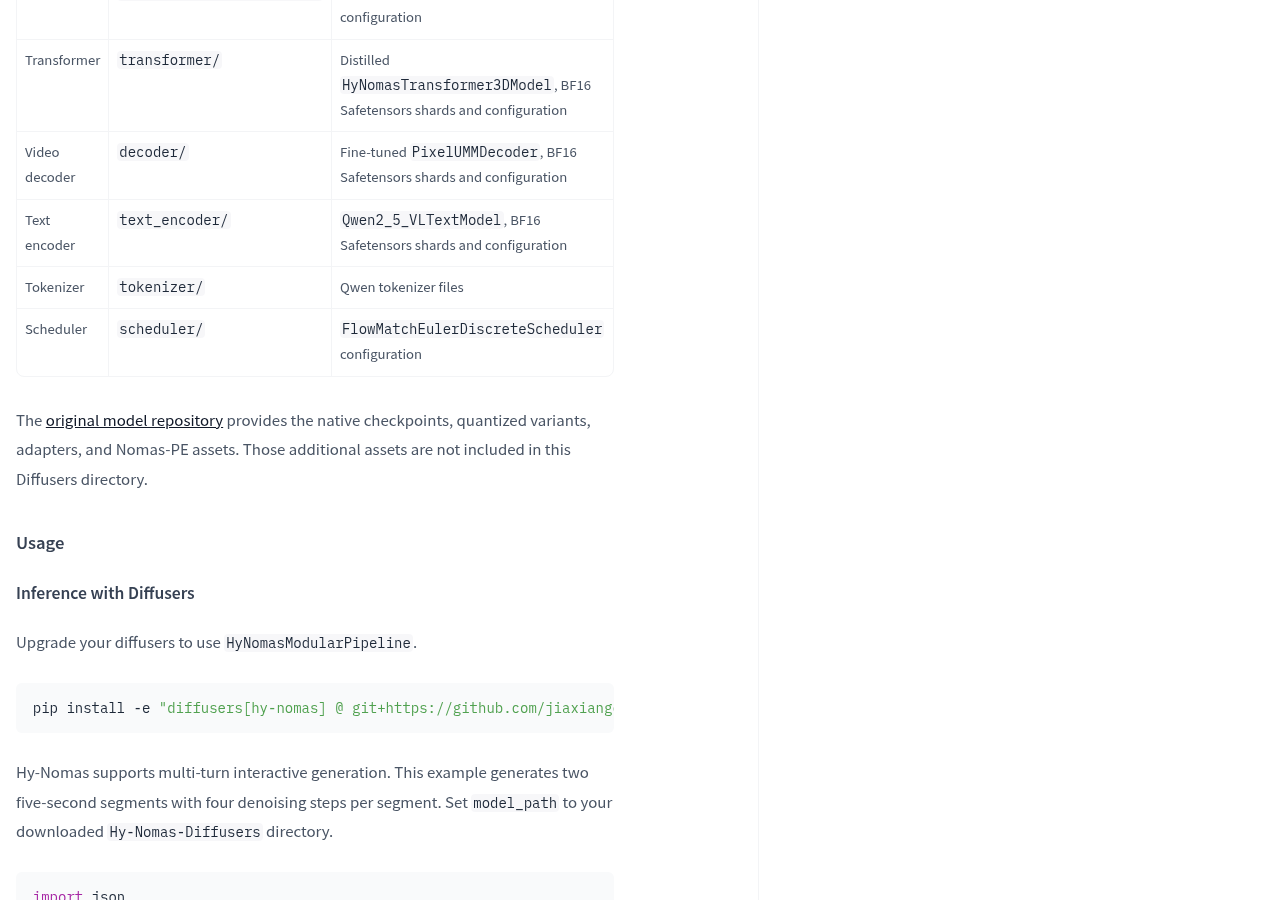
The “Diffusers format” can be understood as packaging a set of models into standard parts—like categorizing bulk parts according to the manual and labeling them with models, so mainstream inference frameworks can be loaded directly by directory without having to assemble themselves. This warehouse contains these parts: the transformer directory is the distilled HyNomasTransformer3DModel, the decoder directory is the fine-tuned PixelUMMDecoder, the text_encoder directory is Qwen2_5_VLTextModel, the Qwen wordifier file, the FlowMatchEulerDiscreteScheduler scheduler configuration, and a modular_model_index.json describing how each component loads. The official explanation states these are serialized using HyNomasModularPipeline.save_pretrained().
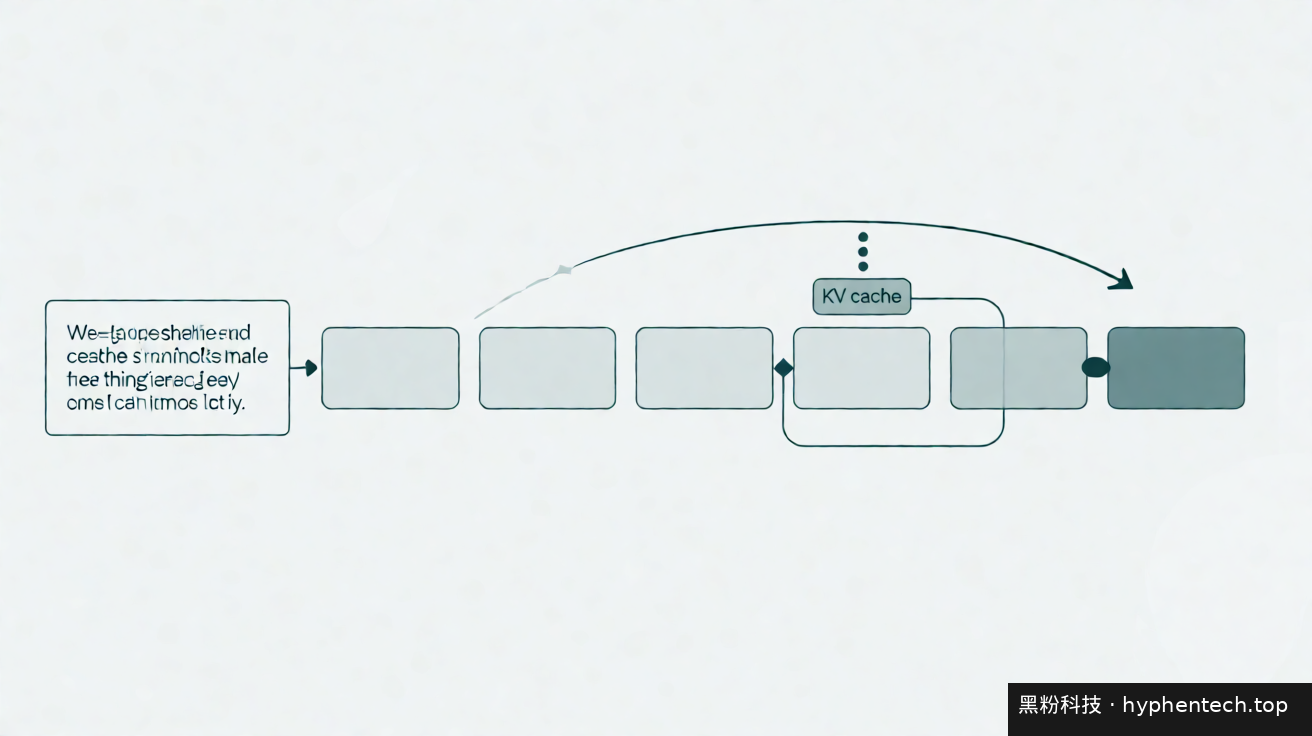
“KV cache” is the space the model uses to remember things: during generation, the attention keys that have already been calculated are left in memory and used directly in the next segment, without having to start over. The advantage is that the context can continue, but the trade-off is that memory usage grows with the history of retention—the official runtime notes clearly state this: “Retaining history across segments increases KV cache memory use.”
Official operating conditions
The installation method is not the usual pip install diffusers, but rather from the source code branch: the official command is pip install -e "diffusers[hy-nomas] @ git+https://github.com/jiaxiangc/diffusers.git@hy-nomas", and you need to upgrade diffusers before using HyNomasModularPipeline.
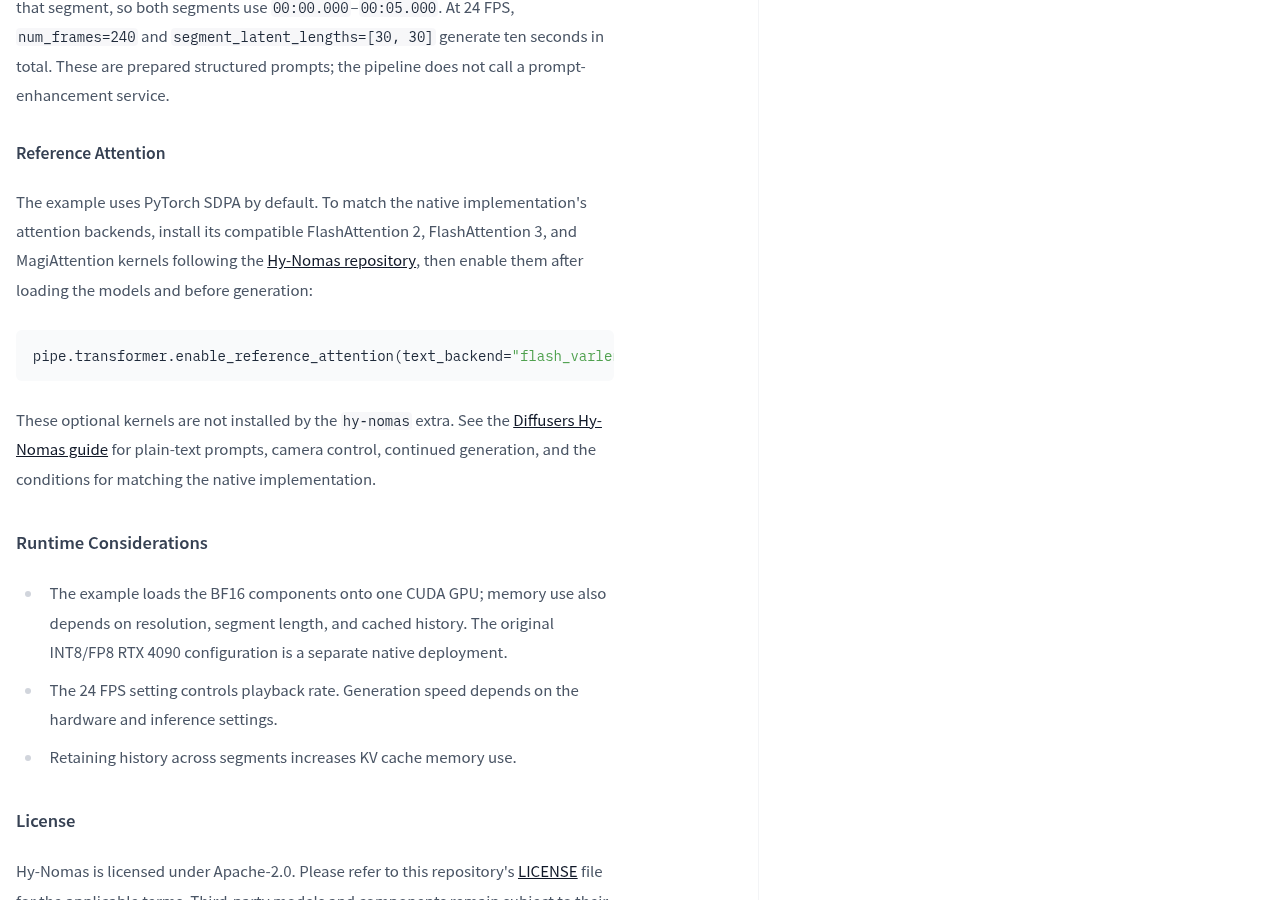
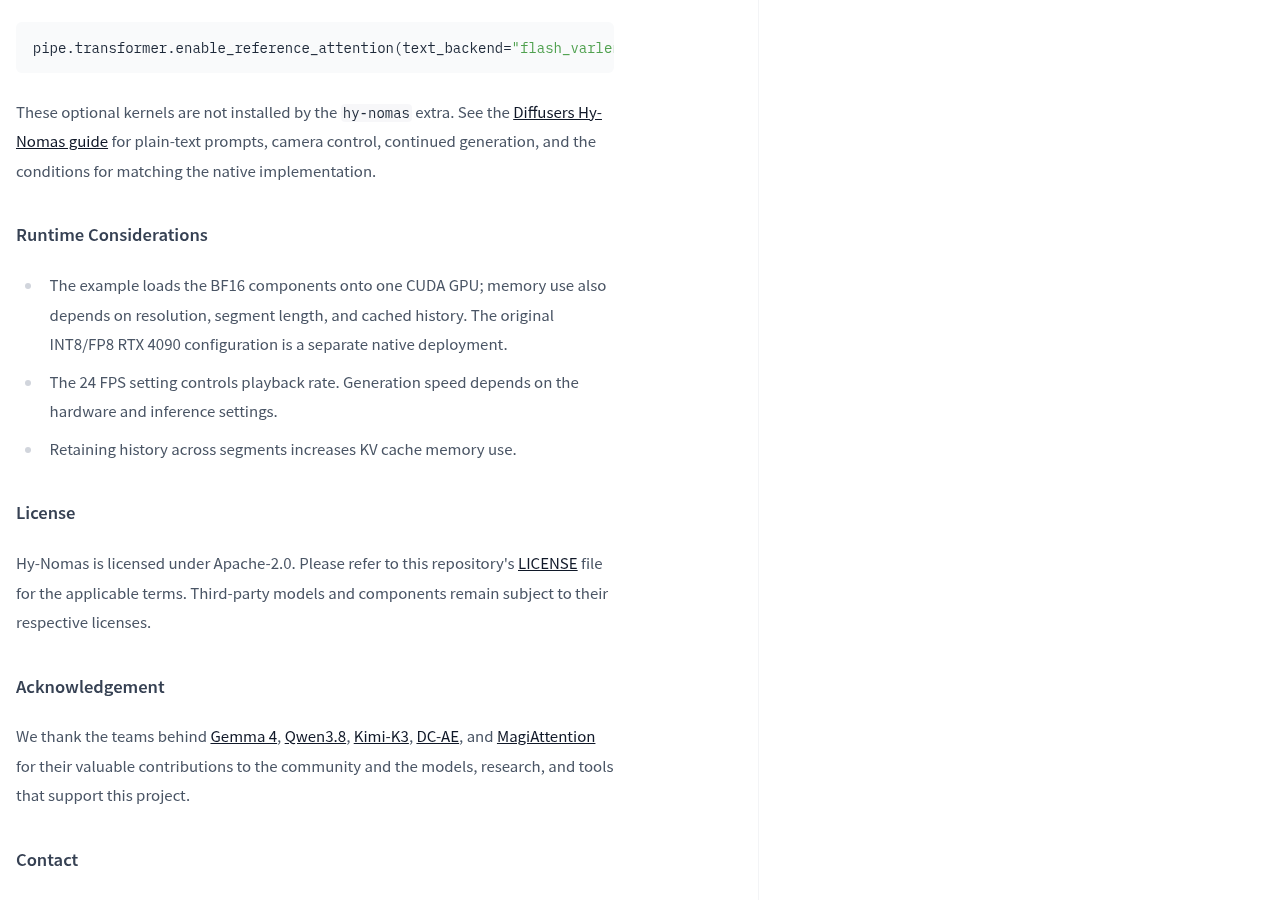
The sample code loads components onto a CUDA GPU with bfloat16 precision, outputs 704 × 1280, 24 FPS, each segment denoising in 4 steps. The example generates two 5-second clips, totaling ten seconds. The official explanation also states: the example defaults to PyTorch’s SDPA attention implementation. To closely match the native implementation, you need to install FlashAttention 2, FlashAttention 3, and MagiAttention as optional kernels—they are not automatically installed by hy-nomas as an extra.
On the hardware side, the official team did not set a unified threshold, only explaining that the example of loading BF16 components onto a single CUDA GPU depends on resolution, segment length, and cache history; Native deployment also includes INT8/FP8 RTX 4090 configurations, which follow a different path. Generation speed also depends on hardware and inference settings, with no fixed commitments.
Warning This Diffusers directory does not contain everything in the original model repository. Official note: Native checkpoints, quantized variants, adapters, and Nomas-PE assets are all retained in the original model repository and are not included in this Diffusers directory.
There’s another common pitfall: the web demo uses Nomas-PE, an independent prompt enhancement service that converts user instructions into structured generated prompts; while the Diffusers pipeline directly accepts plain text or ready-made structured prompts and does not call Nomas-PE itself.
It can be used, but not as a toy
Based on currently available information, this repository is valuable for those who want to build their own interactive video workflows: open authority, clear permissions, complete component structure, and the official team provides multiple rounds of sample code that can be directly rewriven.
But its position is closer to a “research and development base” rather than a ready-to-use downloadable product. At least three doors must be passed through on its own: diffusers must be installed from the source code branch; optional attention kernels must be installed separately; video memory must simultaneously support video branches, text encoders, decoders, and KV caches that grow with conversation rounds. The model page also notes that the model is currently not deployed by any inference service provider.
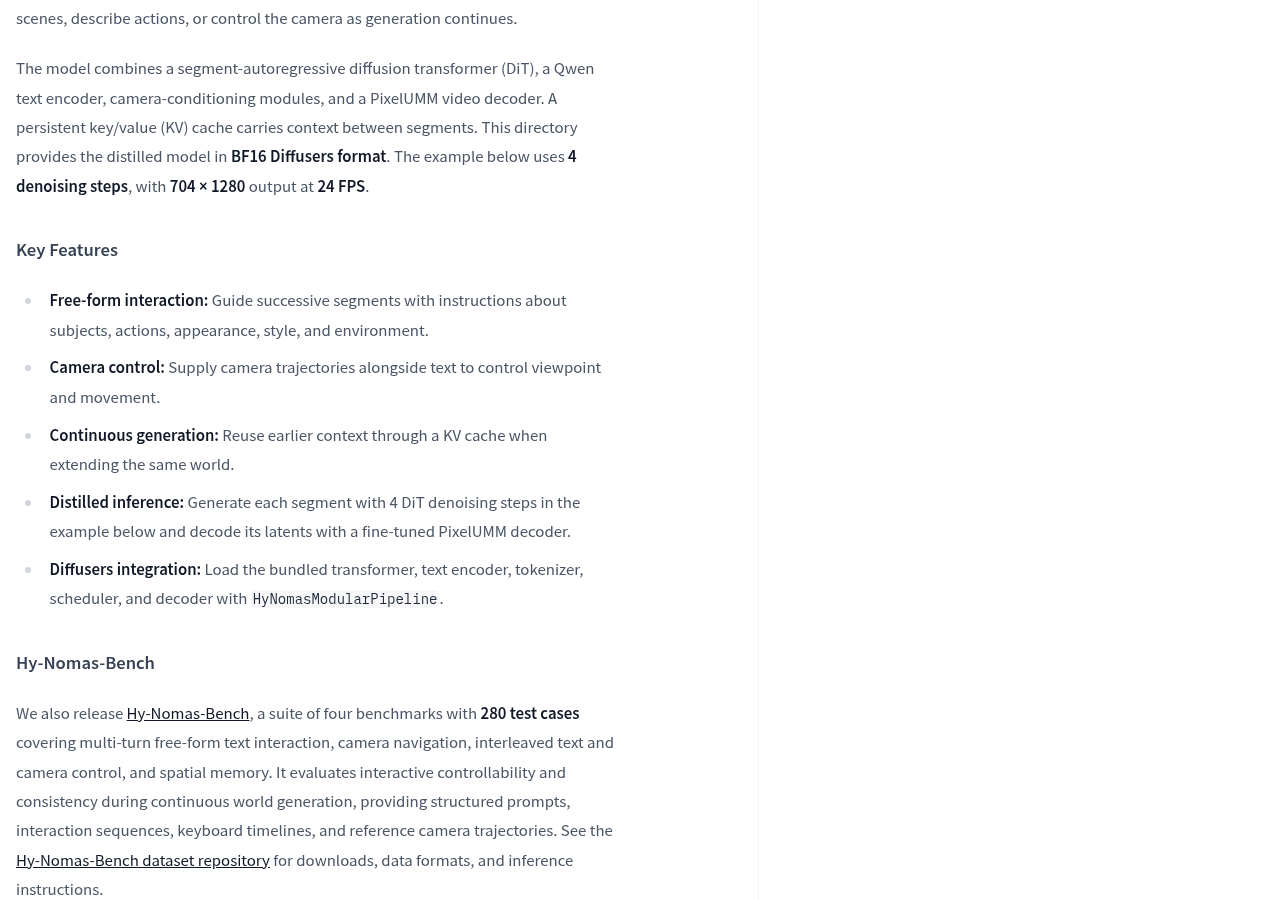
The official team also released Hy-Nomas-Bench, a review set containing four benchmarks and 280 test cases, covering multi-turn freeform text interaction, camera navigation, control of text-camera interlacing, and spatial memory capabilities, with structured prompts, interaction sequences, keyboard timelines, and reference camera trajectories. These are official built-in evaluation materials used to verify performance but are not equivalent to independent third-party verification.
For the next step for acceptance, follow this order: first, confirm whether your GPU can pass the official two-second 10-second generation under a single BF16 card, then observe the VRAM growth curve of the KV cache after multiple rounds of dialogue, and finally compare yourself and the official gap with Hy-Nomas-Bench prompts and camera trajectories. These three steps better demonstrate whether it suits your scenario better than any benchmark leaderboard.
Model Warehouse Address: View page:huggingface.co · Hy-Nomas-Diffusers
Official information
Self-made software
Versions, changes and supported installers all come from the same public release records.
HyphenAssistant
Continue your computer’s DeepSeek Harness session from a phone browser. The service, computer and network must stay online; model costs follow your existing setup.
View public downloads and updates ↗LocalBrain
A local AI toolbox for transcription, speech, images, video, and MCP tools. Features vary by platform version.
View public downloads and updates ↗HyphenBox
A free model API radar and local router, with ongoing availability checks and keys kept on your device.
View public downloads and updates ↗ScreenLex
Turn subtitles from your own films and shows into an English vocabulary library, entirely offline.
View public downloads and updates ↗HyphenScreen
Screen recording and editing with a Resolve-style timeline, automatic redaction and pre-export checks.
View public downloads and updates ↗Support HyphenTech
Late nights and burned API credits went in,a cup of tea comes back out — only if you feel like it.
Save the QR codeScan with WeChatPress and hold to save the image, then open it from your album in WeChat Scan

WeChat tips · Any amount welcome





Comments
Loading comments…